

This guide walks you through the full path: create an account, build your first agent, test it, and go live.

1. Sign Up

Create your account at platform.nlpearl.ai. You’ll get complimentary minutes to test calls - no subscription required to start.
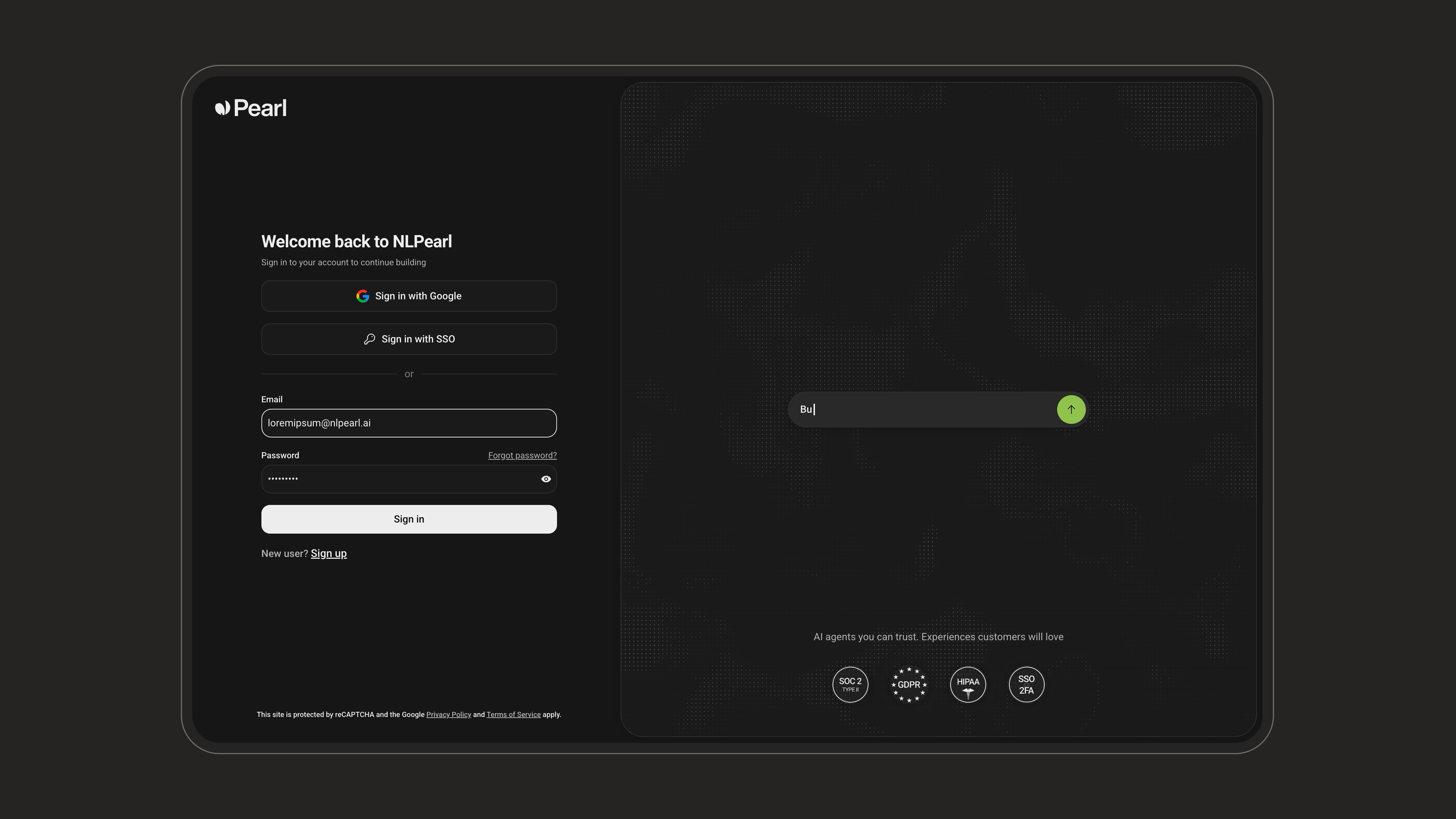
During the trial phase, you can create agents and run test calls. To unlock full inbound and outbound campaigns, you’ll need to subscribe to a plan.

2. Create Your Agent with PearlVibe

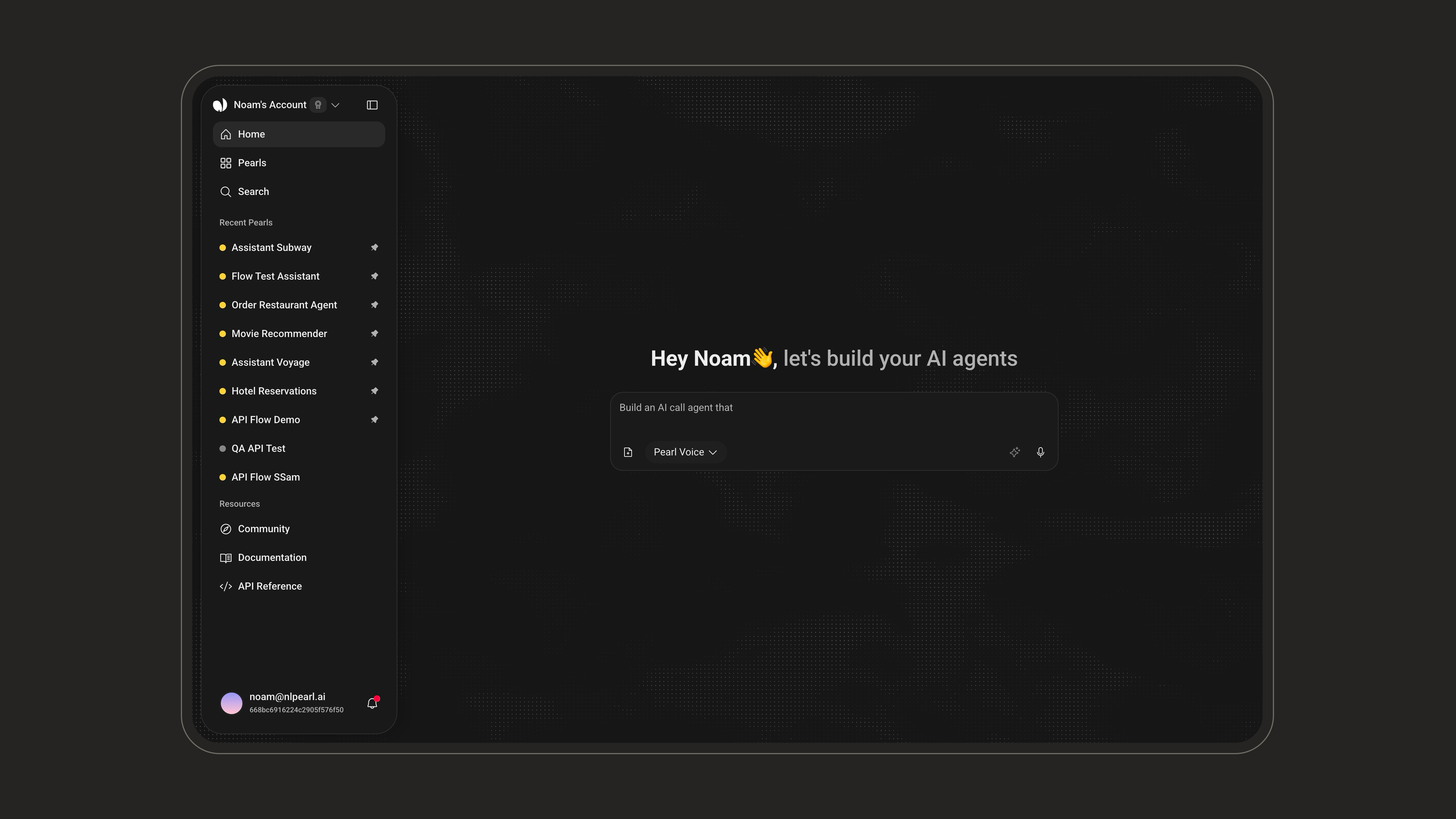
PearlVibe is how you build your AI voice agent. Describe what you need in a single prompt - PearlVibe generates the agent’s personality, conversation flow, knowledge base, and connected actions.
1

Write your prompt

When you land on the platform, the PearlVibe chat is right in front of you. Describe what your agent should do - be specific about the tone, language, and actions you need. Here are a few examples you can use as a starting point:
2

Review and refine

PearlVibe generates a complete agent configuration. Review the conversation flow, variables, and actions. Adjust anything that needs fine-tuning.
Create an inbound AI voice agent for a luxury hotel.
The agent should answer guest calls 24/7, handle room reservations,
check availability, process room service requests, and provide
information about hotel amenities and local attractions.
If a guest requests a VIP arrangement or has a complex request,
transfer the call to the front desk. Send a confirmation email
after every booking. Speak in a warm, professional tone.
Support English, French, and Spanish.
Create an inbound AI voice agent for a medical clinic.
The agent should schedule, confirm, and reschedule patient appointments.
Collect the patient's name, date of birth, reason for visit,
and insurance provider. Send an SMS reminder 24 hours before
the appointment. If the patient describes an urgent medical situation,
transfer immediately to the on-call nurse. Tone should be calm,
empathetic, and reassuring. Support English and Spanish.
Create an outbound AI voice agent for an online store.
The agent should call customers who abandoned their cart in the
last 24 hours, remind them of the items they left, offer assistance
with any questions, and provide a 10% discount code if they're
hesitant. Collect the reason for abandonment as a variable.
If the customer wants to speak to a human, transfer to the
support team. Tone should be friendly and helpful, not pushy.
Create an inbound AI voice agent for a utility company.
The agent should handle outage reports, billing inquiries,
service activation requests, and meter reading appointments.
Collect the customer's account number and service address.
If the customer reports a gas leak or emergency, transfer
immediately to the emergency line. For billing disputes,
transfer to a specialist. Send an SMS confirmation for
any scheduled technician visit. Tone should be clear,
helpful, and efficient.
Create an inbound AI voice agent for a university admissions office.
The agent should answer prospective student inquiries about programs,
application deadlines, tuition, financial aid, and campus visits.
Collect the student's name, program of interest, and preferred
start date. Schedule campus tours and admissions consultations.
Send a follow-up email with program details and application links.
If a parent or student has a complex financial aid question,
transfer to an admissions advisor. Friendly and encouraging tone.
Support English and Spanish.
Create an inbound AI voice agent for a telecom provider.
The agent should handle billing inquiries, plan changes,
SIM activation, and basic technical troubleshooting (restart router,
check signal, verify coverage). Collect the customer's account number
and phone number for verification. If the issue requires advanced
technical support or the customer wants to cancel, transfer to
a retention specialist. Schedule fiber installation appointments
when requested. Send a confirmation SMS after any plan change.
Professional and patient tone.
Create an inbound AI voice agent for a BPO call center.
The agent should handle first-level support across multiple clients:
answer FAQs, log support tickets via API, collect customer information
(name, account number, issue description), and route complex cases
to the appropriate department. If the caller requests a callback,
schedule one and send a confirmation SMS. The agent should be able
to handle unlimited simultaneous calls with consistent quality.
Neutral, professional tone. Support English, Spanish, and French.
Create an inbound AI voice agent for an insurance company.
The agent should handle first notice of loss calls by collecting
the policyholder's name, policy number, type of incident,
date and location of the event, and a brief description.
Log everything via API to the claims management system.
If the claim sounds urgent or involves injury, transfer
to a senior claims adjuster immediately. Tone should be
calm, professional, and supportive.
Create an outbound AI voice agent for a debt recovery agency.
The agent should contact customers with overdue balances,
verify their identity, inform them of the outstanding amount,
and offer payment options (full payment, installment plan).
If the customer agrees to pay, send a payment link via SMS.
If they dispute the debt, transfer to a specialist.
Always remain compliant, respectful, and non-aggressive.
Create an outbound AI voice agent for a real estate agency.
The agent should call new leads, qualify them by asking about budget,
preferred location, property type (buy or rent), and timeline.
Score each lead as hot, warm, or cold based on their answers.
If the lead is hot, schedule a property viewing and transfer
to an agent. Send a follow-up email with property listings
matching their criteria. Professional and knowledgeable tone.
Create an inbound AI voice agent for a government public service office.
The agent should answer citizen inquiries about permits, document
requirements, office hours, and service locations. Schedule in-person
appointments for permit applications and document submissions.
Collect the citizen's name, request type, and preferred appointment date.
Send a confirmation SMS with appointment details and required documents.
If the request is sensitive or requires human review, transfer to
a case officer. Tone should be clear, neutral, and helpful.
Support English and Spanish.
Create an inbound AI voice agent for an airline.
The agent should handle booking changes, flight status inquiries,
seat selection, baggage information, and check-in assistance.
Collect the passenger's booking reference and last name for
verification. If a flight is disrupted, offer rebooking options
and send the updated itinerary by email. For complex itineraries
or refund requests, transfer to a senior agent.
Tone should be calm, efficient, and reassuring.
Support English, French, Spanish, and German.
Create an outbound AI voice agent for a market research firm.
The agent should call respondents, introduce the survey purpose,
and ask a series of 8-10 structured questions about customer
satisfaction. Collect each answer as a variable and log responses
via API to the research platform. If the respondent wants to
opt out, thank them and end the call. If they want to speak
to a researcher, schedule a callback. Consistent, neutral tone
to avoid interviewer bias. Support English and Spanish.

PearlVibe Documentation

Full guide on creating and customizing agents with PearlVibe.

3. Test Your Agent

Once your agent is ready, run test calls directly from the platform to hear how it sounds, verify the conversation flow, and confirm that actions (API calls, transfers, emails) fire correctly.
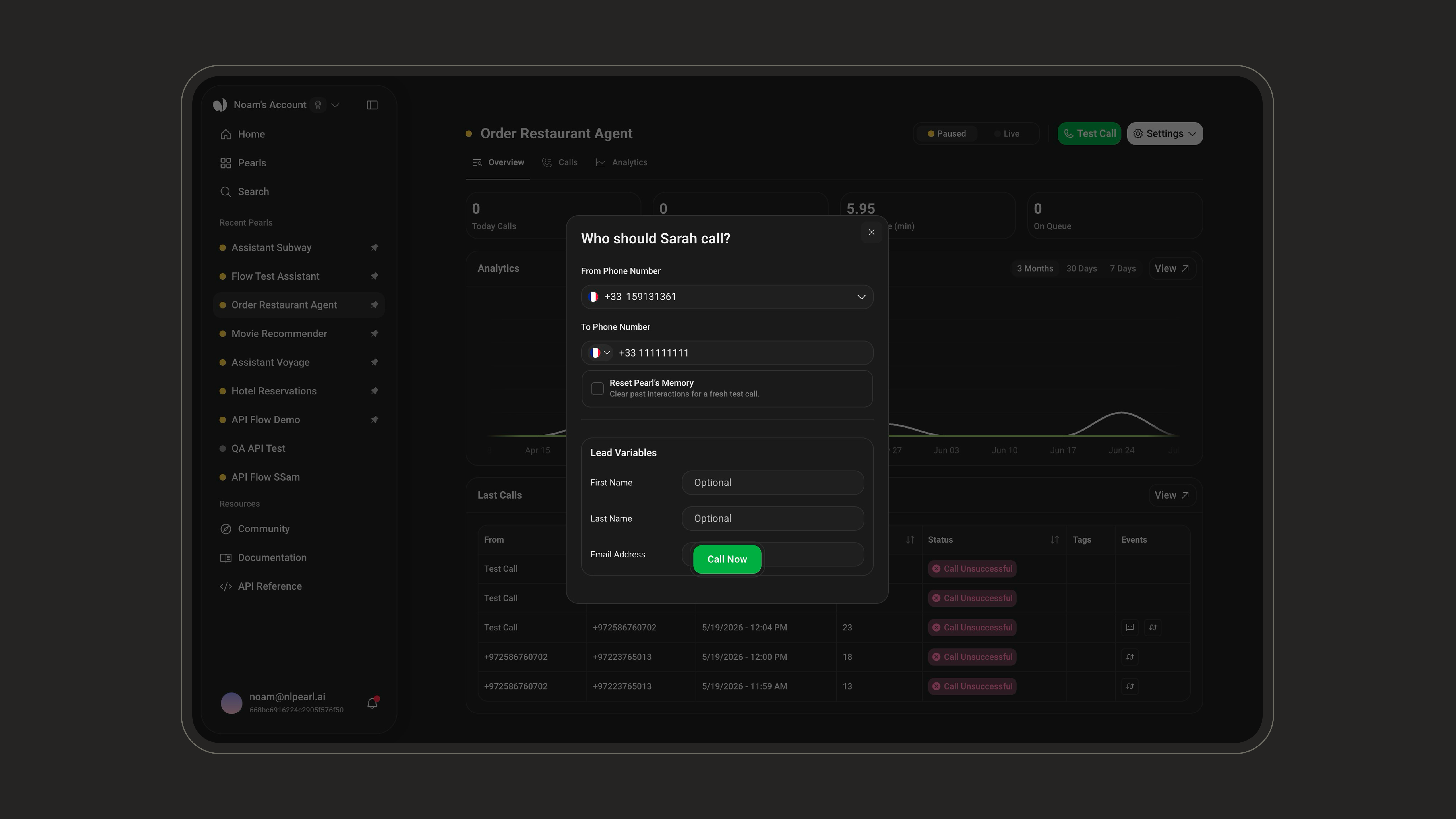
Use your complimentary minutes for testing. Iterate on the prompt, variables, and actions until the agent handles your scenarios cleanly.

4. Tweak and Optimize

Based on your test calls:
  • Adjust the conversation flow - refine how the agent responds to edge cases or unexpected inputs.
  • Configure variables - make sure data collection (names, emails, IDs) works as expected. See Variables.
  • Set up actions - connect API calls, call transfers, email or SMS triggers. See Actions.

5. Publish Your Agent

When you’re satisfied with the agent’s performance, publish it. This locks in your configuration and makes the agent available for live campaigns.

6. Connect a Phone Number

Assign a phone number to your agent. All plans include at least one US number. You can purchase additional numbers or port existing ones from the Phone Numbers settings.

7. Go Live

Launch your campaign:
  • Inbound - Route incoming calls to your agent. See Inbound.
  • Outbound - Upload contacts and let your agent initiate calls. See Outbound.
Monitor performance in real time from the Call Analytics dashboard.

Billing & Credits

Once you subscribe to a plan, you get access to agents, phone numbers, and call minutes. Each call minute is deducted from your plan’s included minutes - once exhausted, your credits are used.
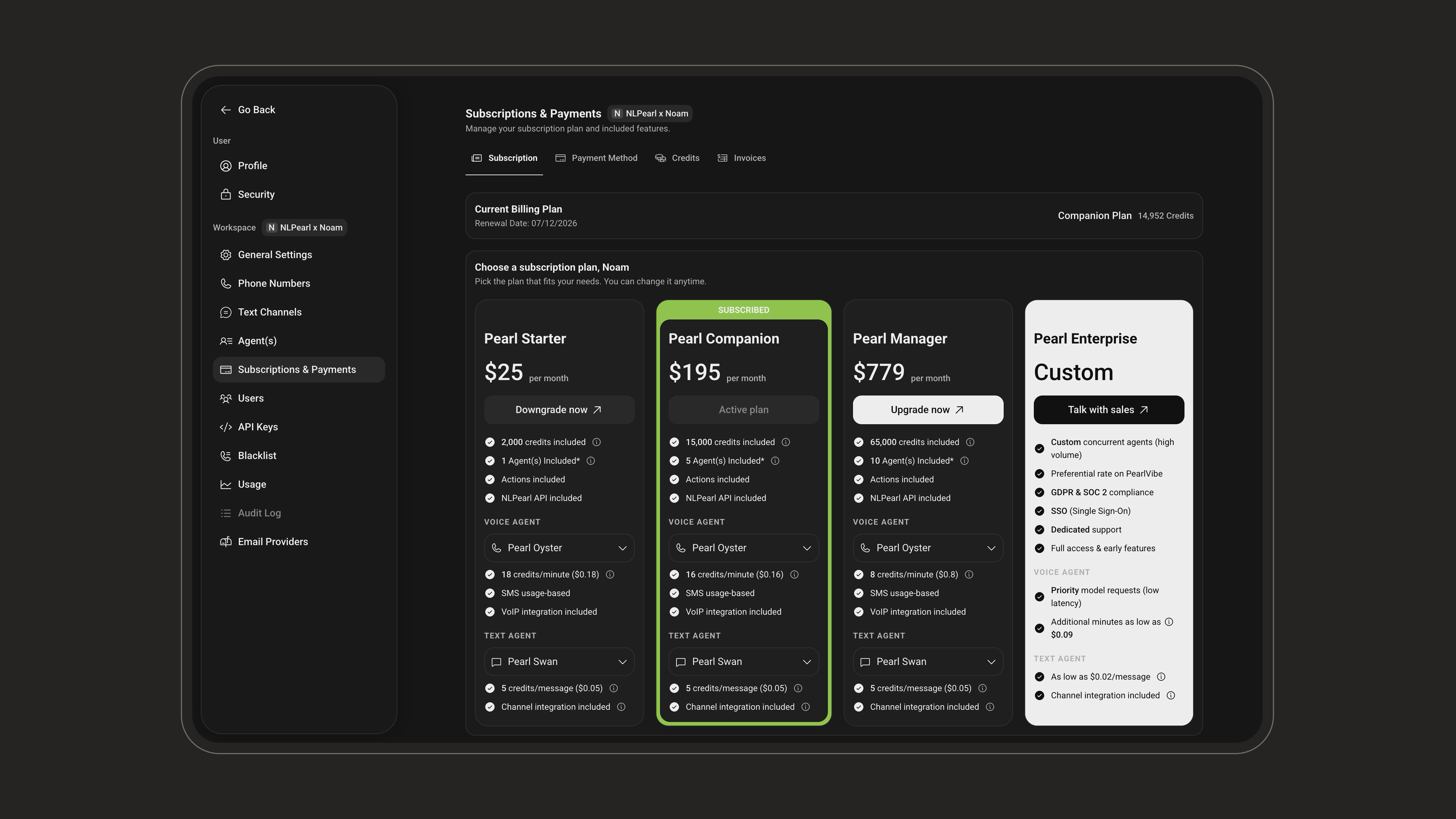
Full Access to Activities

Engage in both inbound and outbound activities with no restrictions.

Included Agents & Phone Numbers

Concurrent agents and at least one US phone number included in every plan.
Minutes included in plan on light mode
Minutes included in plan on dark mode
Auto-Recharge - We recommend activating auto-recharge to automatically top up your credits when they fall below a threshold, ensuring uninterrupted service.
Credit limits - When credits drop below zero, your concurrent agents per activity are reduced to one. If your debt reaches 10% of your monthly subscription price, all activities are suspended until you recharge.

What’s Next

PearlVibe

Deep dive into agent creation and customization.

Actions

Configure API calls, transfers, emails, and SMS during live calls.

Call Analytics

Track and optimize your agent’s performance.

Billing & Credits

Manage your subscription, credits, and auto-recharge.

API Quick Start

Integrate NLPearl programmatically via the REST API.

Subscription Plans

Compare plans and choose the best one for your needs.