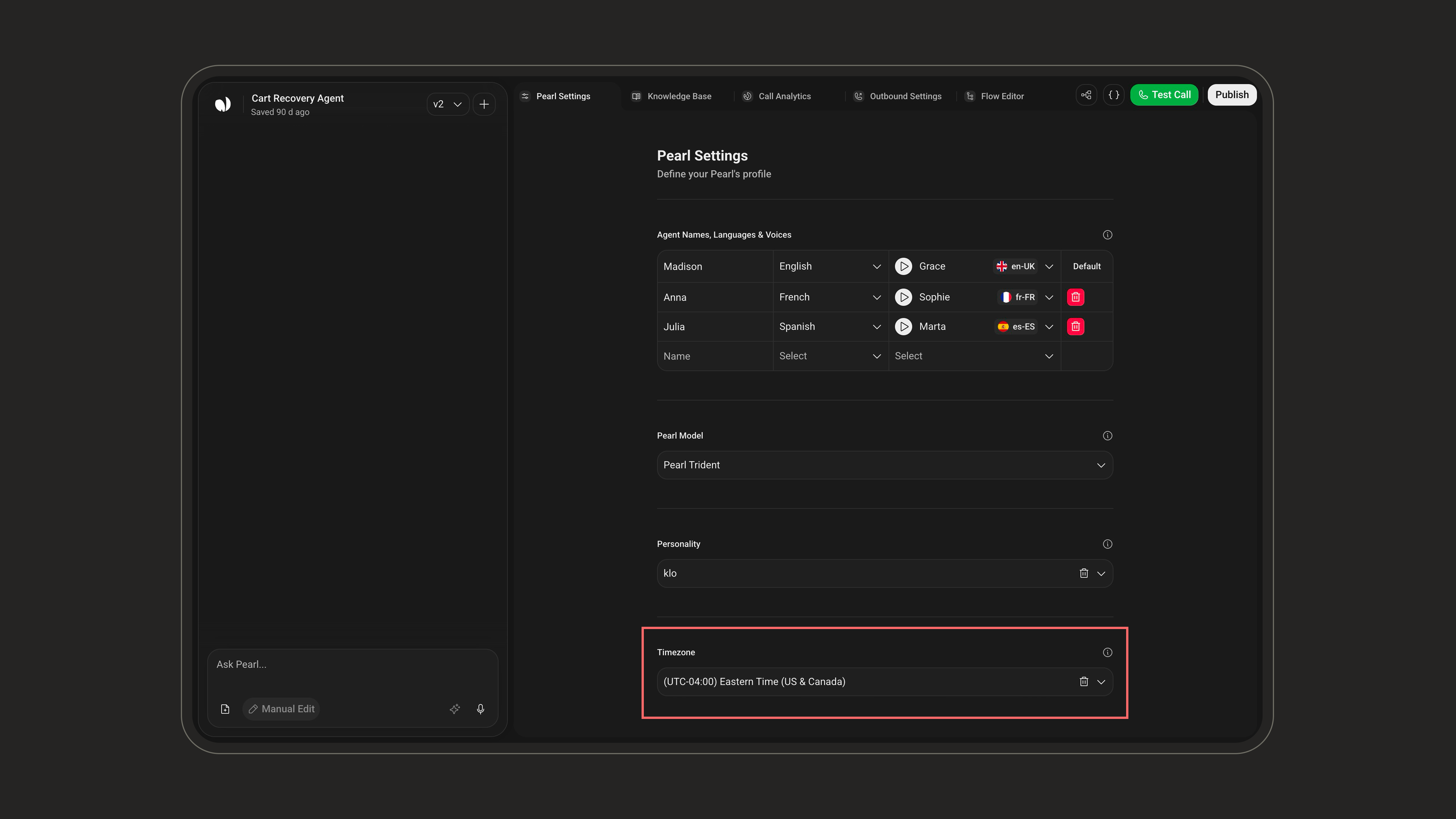
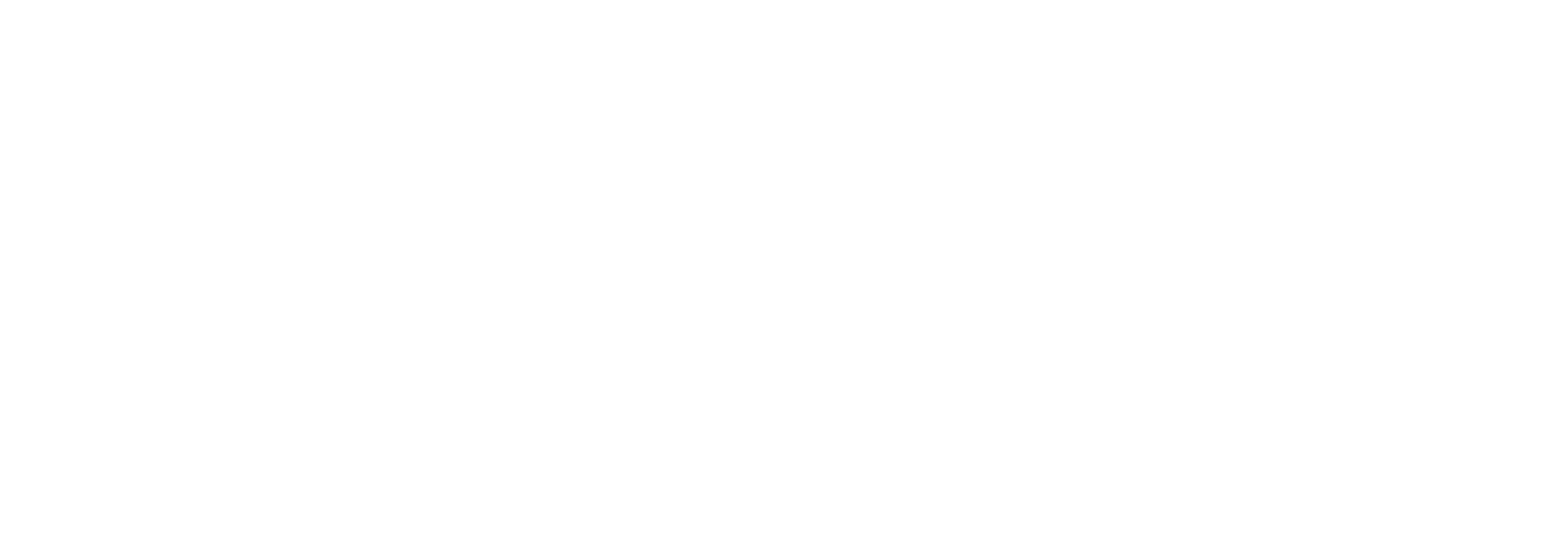

Agent Names, Languages & Voices
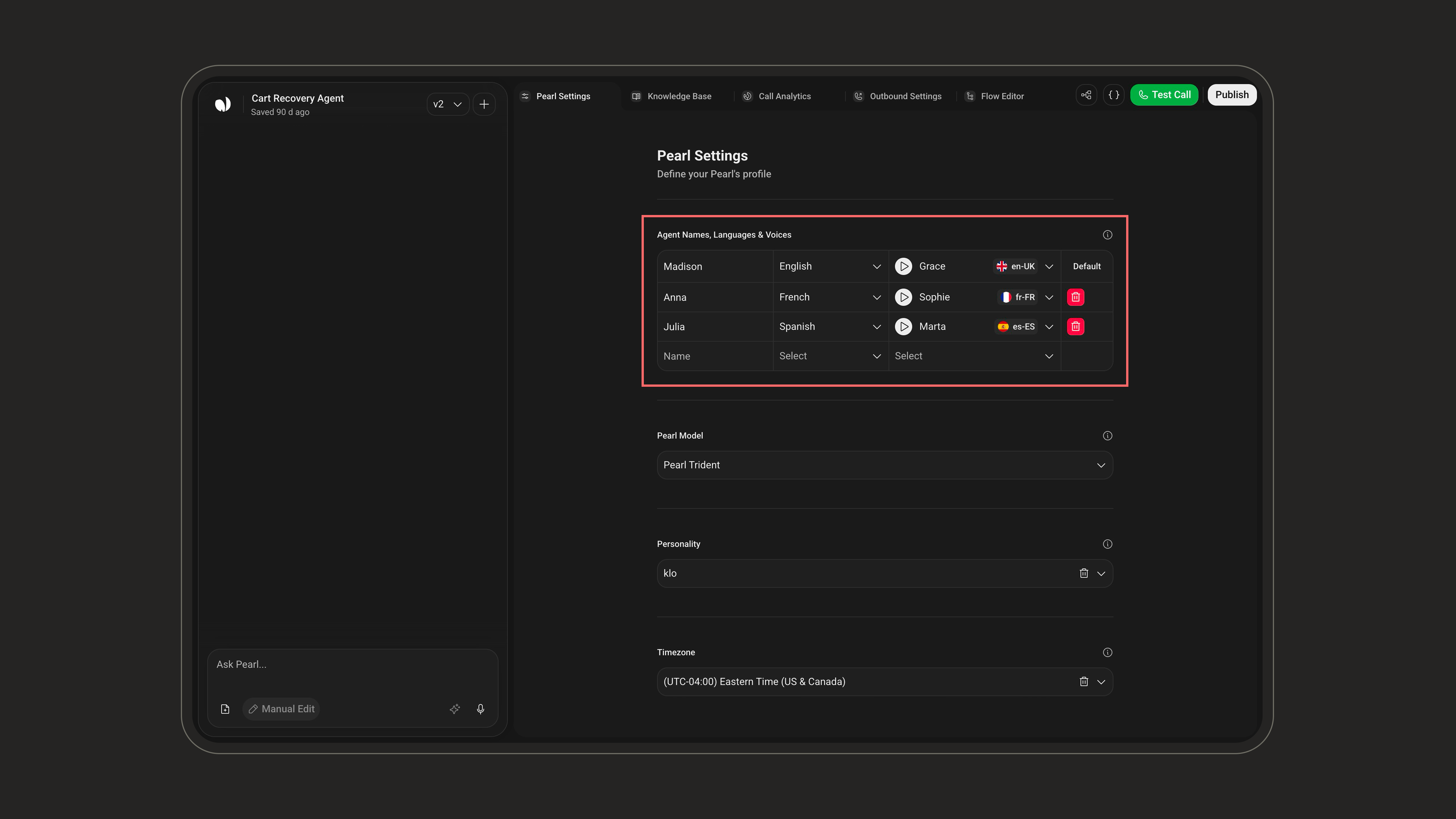
To define your agent’s identity:- (1) Agent Name – Give your agent a name (e.g., Joa, Victoria). This name helps humanize the interaction and reflect your brand identity.
- (2) Language – Select the default language your agent will speak. This ensures accurate pronunciation and localized expressions.
- (3) Voice – Choose the voice that will represent your agent. You can preview voices and select the one that fits your tone.
Explore Voice and Language to view all the language options available.
Pearl Model
The Pearl Model defines the intelligence, speed, and cost profile of your agent. Voice agents can choose from five models.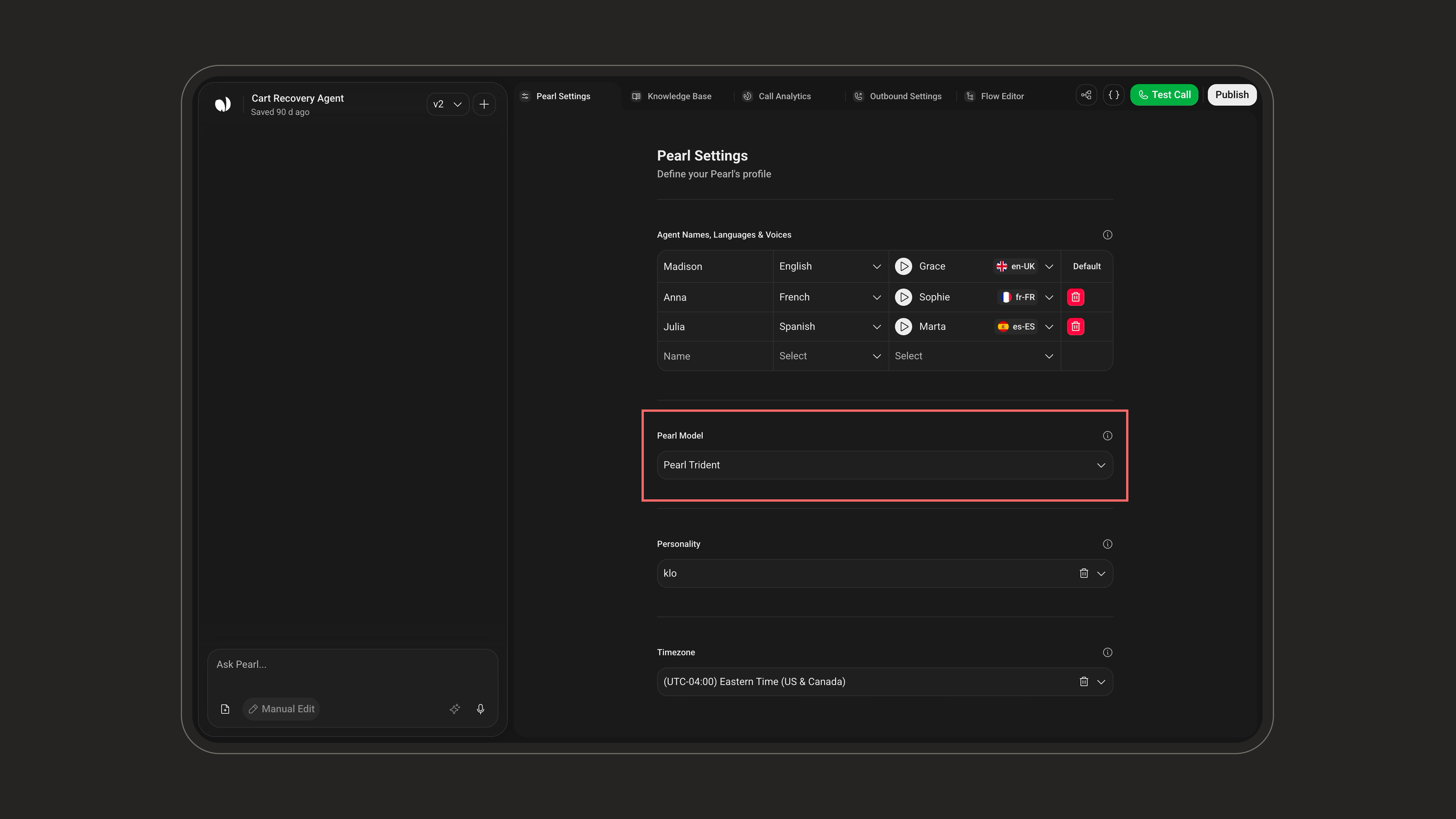
Pearl Flame is available only for Pearls built with the PearlVibe editor. On a legacy simple Pearl, it appears greyed out in the model list.
- Pearl Flame
- Pearl Hydra
- Pearl Arrow
- Pearl Trident
- Pearl Oyster
Medium Reasoning · Fastest · Standard Rate
- The snappiest real-time experience for callers, at the standard rate.
- Natural, human-like conversations with solid reasoning.
- Your main production Pearl for most inbound and outbound flows.
In most cases, Pearl Flame is the recommended default for production.
Start with Pearl Flame as your default, then use Analytics to compare performance and cost. If you need deeper reasoning, move to Pearl Hydra; if you need to optimize budget for simple flows, switch to Pearl Oyster.
Personality
Your AI agent can take on a wide range of personalities, from natural and professional to wild, fictional, or downright iconic.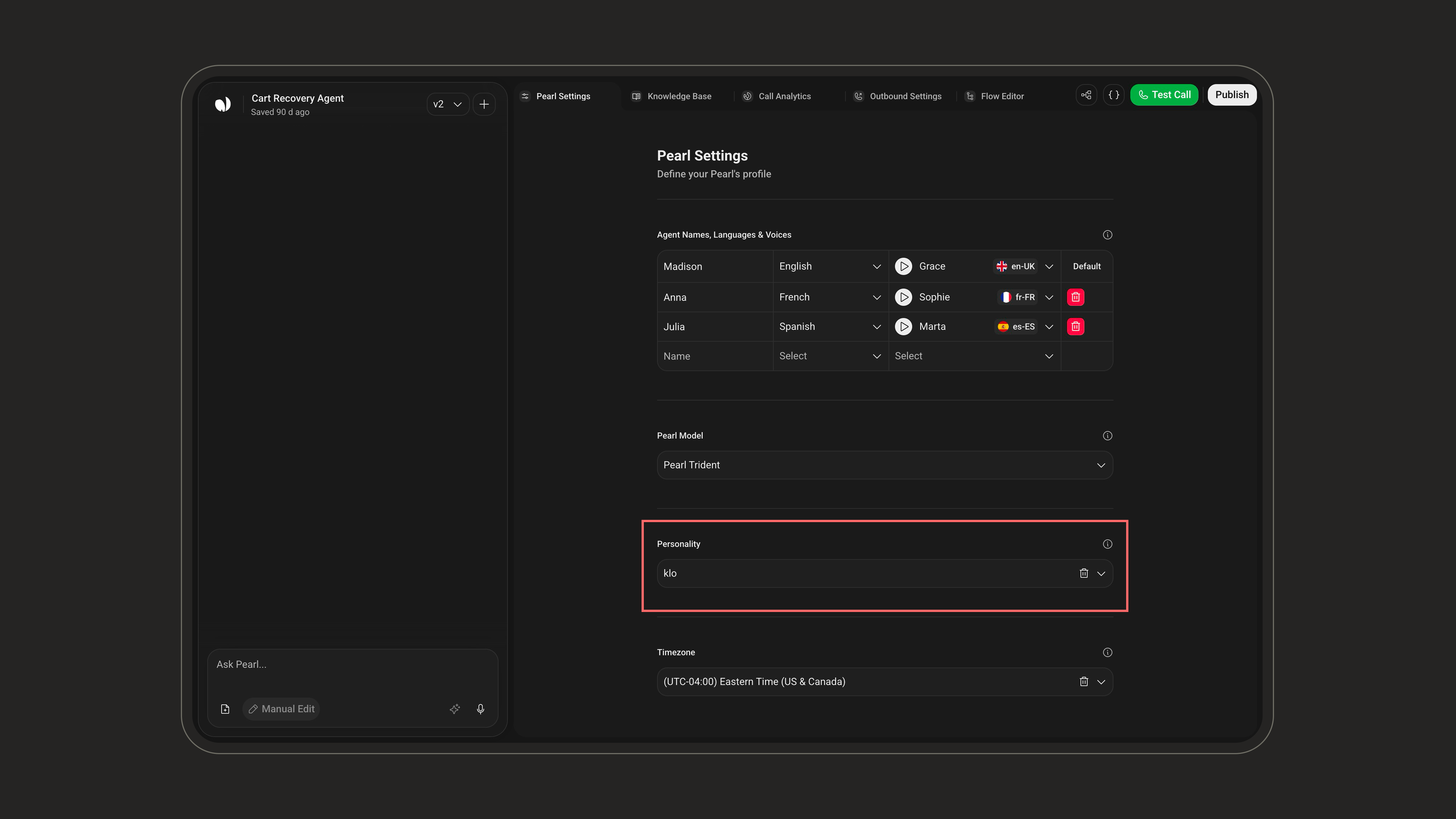
Choose wisely. Your agent’s personality will shape how it sounds and behaves in every interaction. Personality is optional, only Agent Name and Timezone are required.
Timezone
Define the timezone of the agent. This influences time-related actions, such as booking meetings.