


Company Name
Give your Pearl the name of the company it represents. This name may be used when Pearl introduces itself or provides company-related information.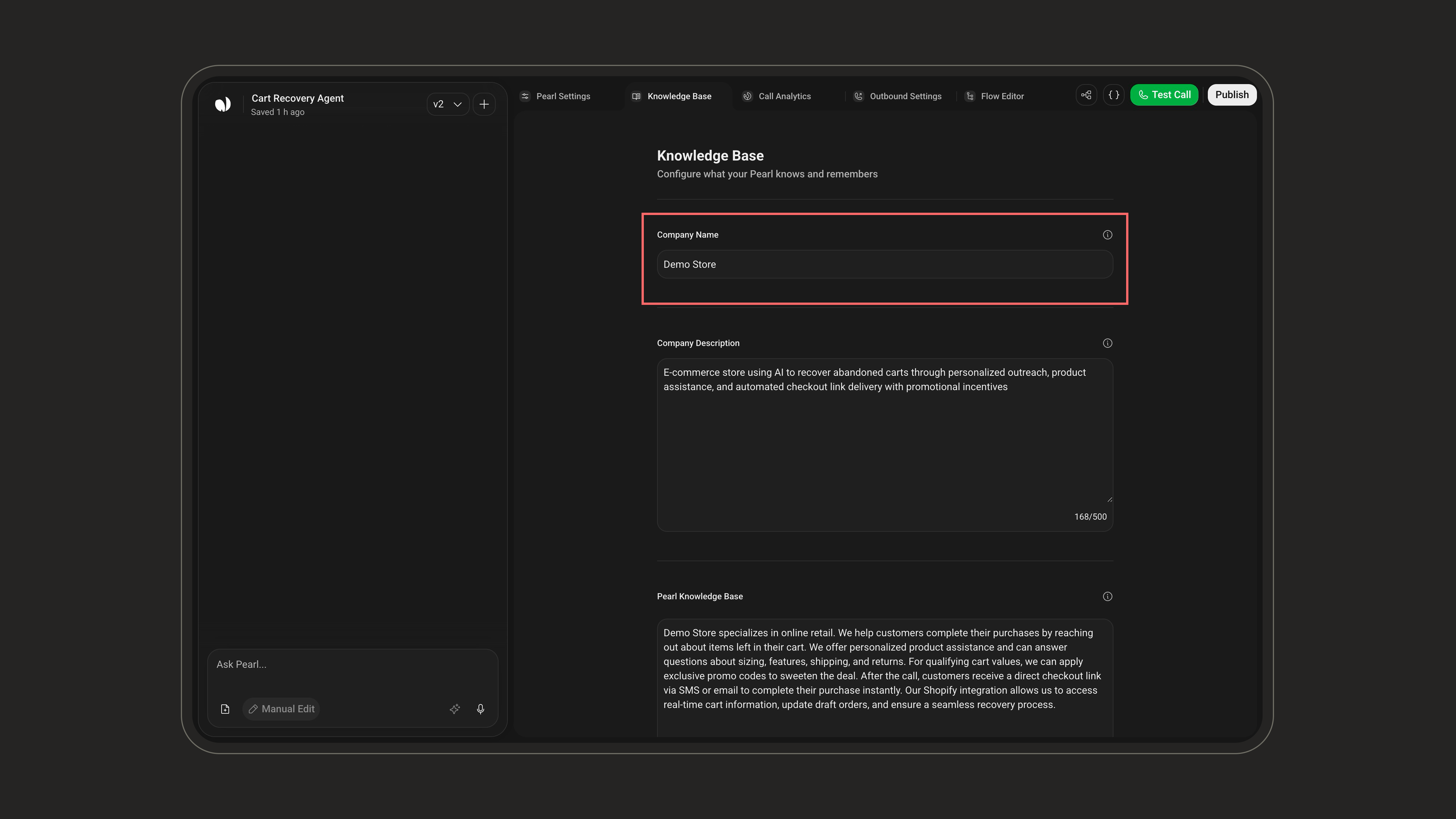
Company Description
Add a brief company description including your industry, mission, or key services. This allows Pearl to answer questions with more contextual relevance.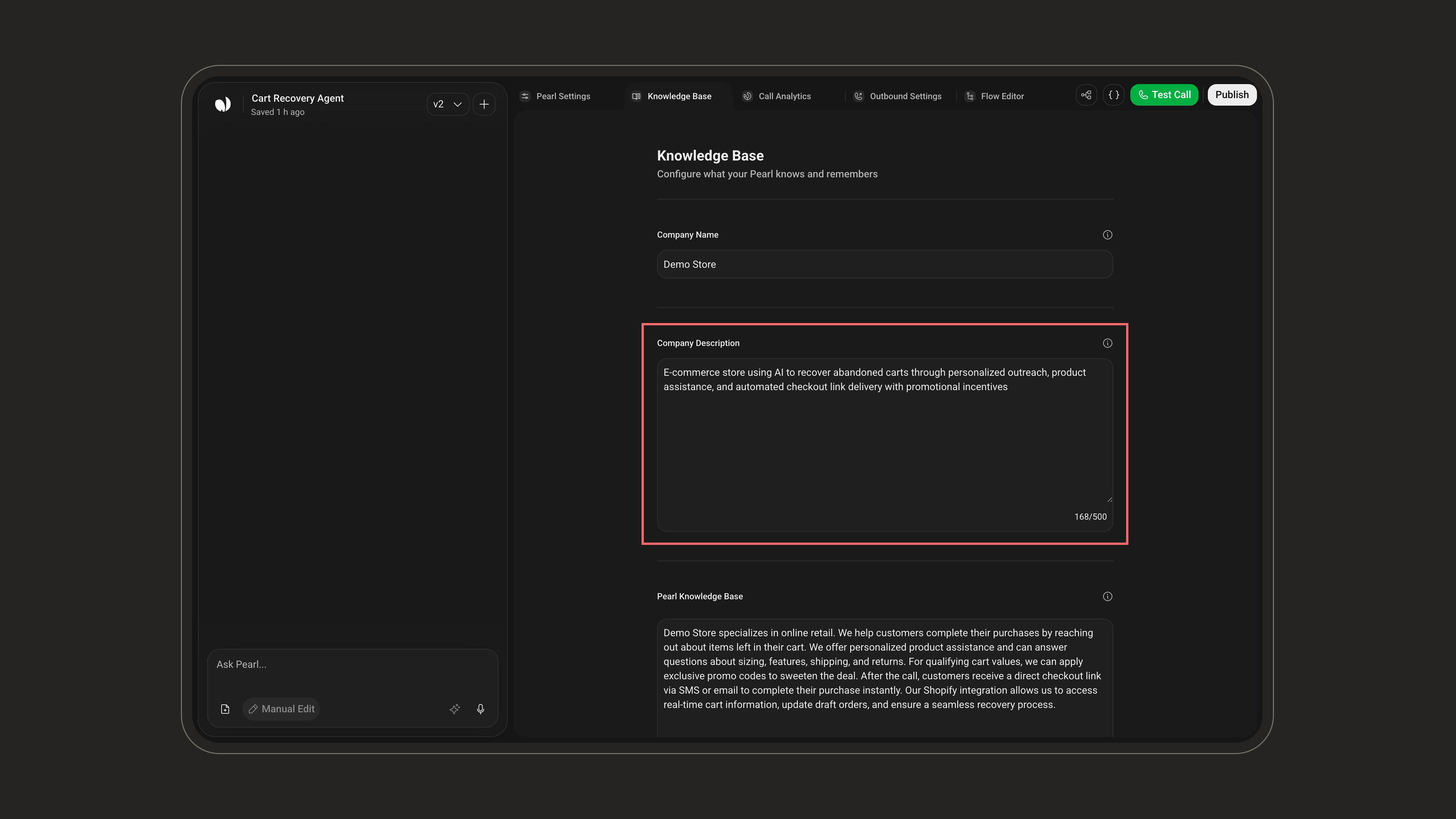
Pearl Knowledge Base
This is where you teach Pearl what it needs to know to respond with relevance and accuracy. Add detailed information about your services, pricing, opening hours, locations, and any key operational data.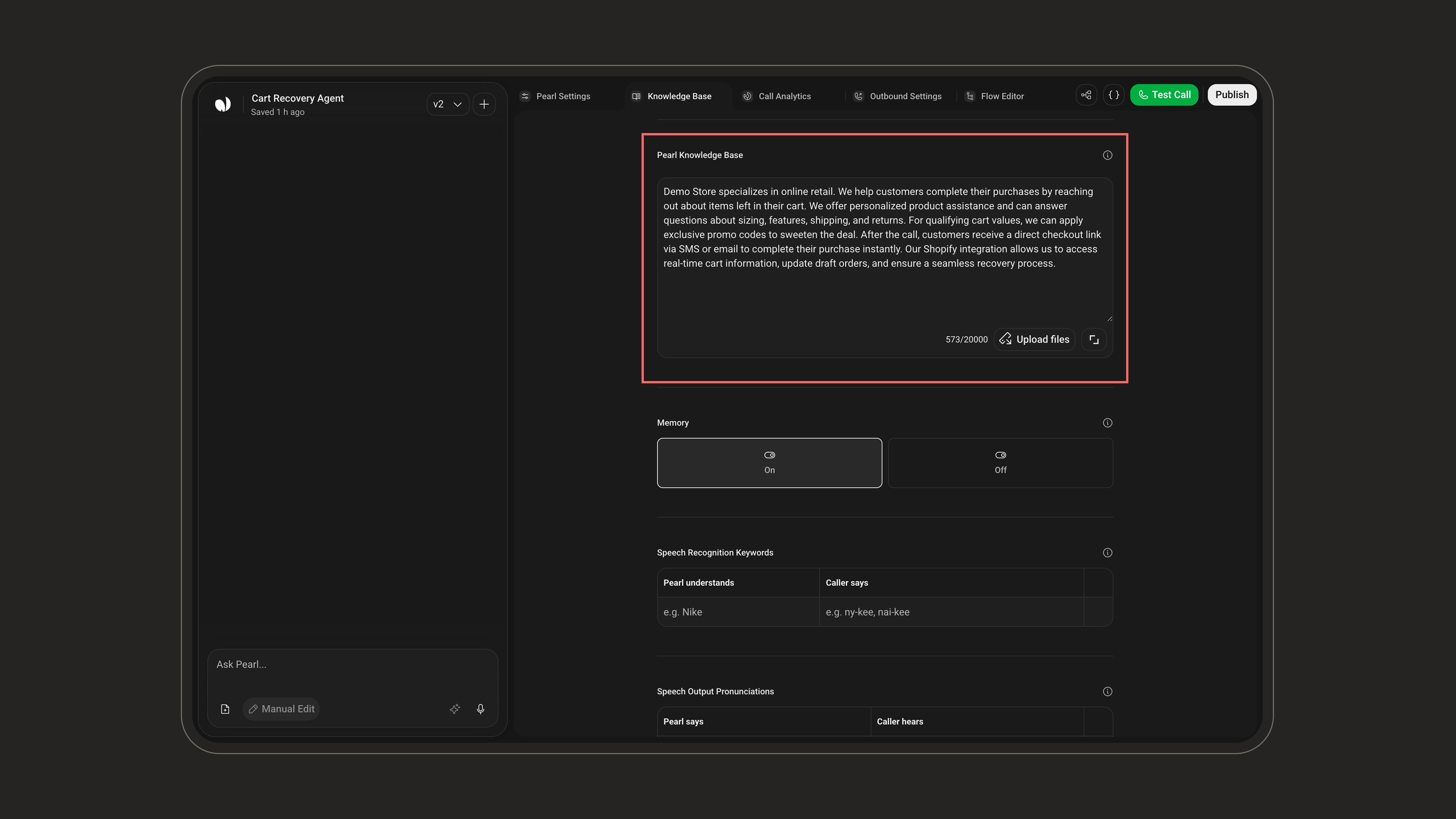
Background knowledge, not a script. The Knowledge Base is passive reference data: Pearl consults it only when needed to answer accurately. It doesn’t dictate the conversation flow, that’s handled by the Flow Editor.
Both options live in the same area and can be combined: type your information directly in the text field and/or upload reference files. Multiple documents can be added if needed.
This is the same knowledge that powers the Knowledge Base node in the Flow Editor. What you add here is what your Pearl draws on during conversations.
Files and limits
These caps apply per Pearl: they cover every file attached to that Pearl’s Knowledge Base, not each file individually.
There is no page limit and no character cap on an individual document, only the shared 25 MB and 1,000,000-character totals apply. The free-text field has its own 20,000-character budget and does not consume the 1,000,000 characters reserved for files.
Memory
When enabled, Pearl remembers the user or lead, allowing it to seamlessly continue conversations from where they left off.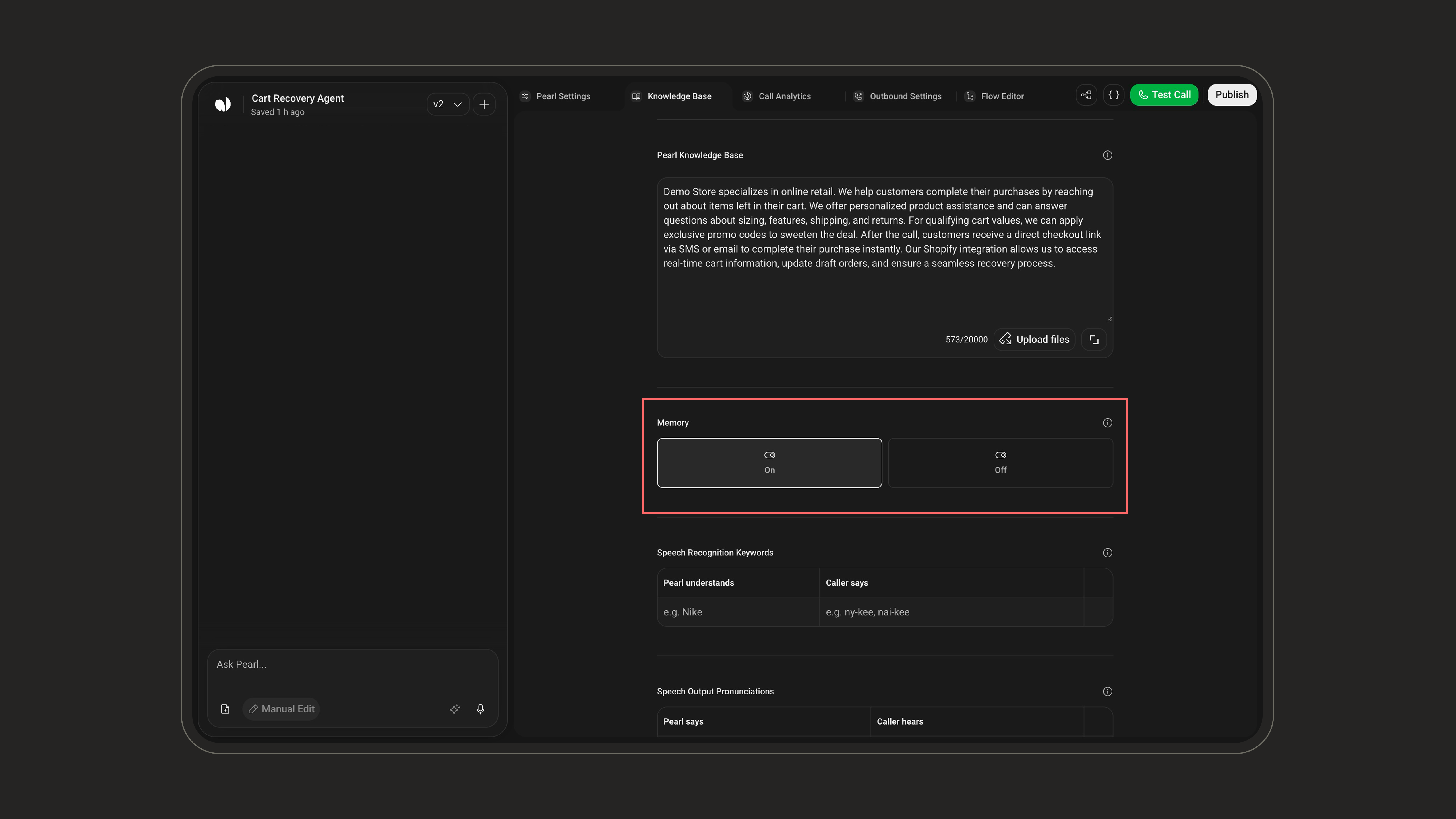
Example use case: Hospitality
Let’s say a guest checks into a hotel. Pearl can:- Remember their room number
- Greet them by name
- Recall their preferences (like “extra towels” or “no wake-up call”)
- Offer a smooth, personalized experience every time they call
Resetting MemoryNeed a fresh start? Pearl’s memory can be reset via API.This is especially important in contexts like hospitality, where once a guest checks out, Pearl clears the slate, ensuring the next visitor starts with a clean experience.
Speech Recognition Keywords
Some words are just… not in the dictionary. Whether you’re using brand-specific terms, creative product names, or industry jargon, teaching Pearl how to recognize them makes all the difference.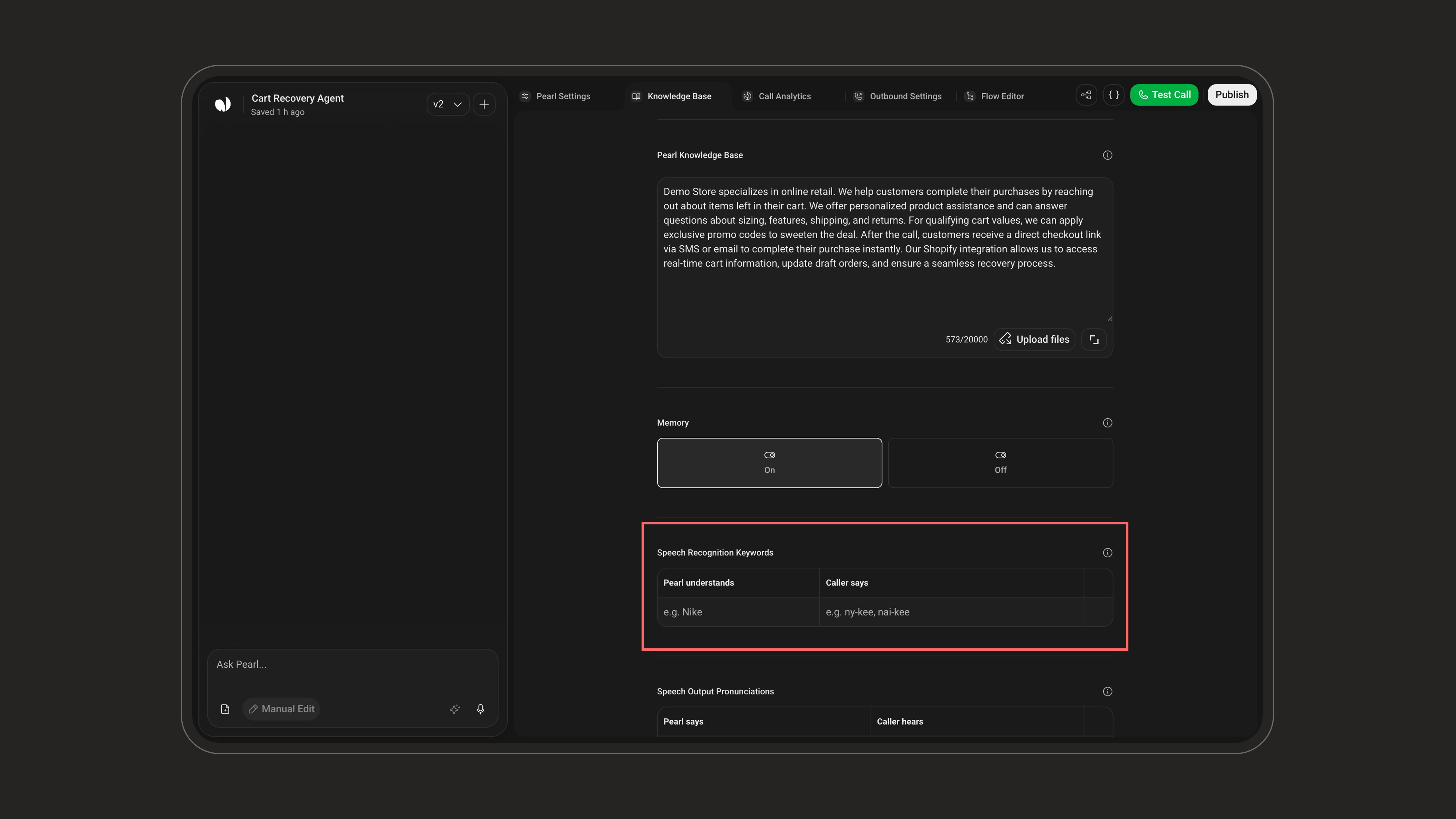
- Keywords: The unique word or name you want Pearl to catch
- Pronunciations: Variations of how users might say it (spoken form)
Example
Let’s say your bakery sells a pastry calledFluffoBun.Here’s how you’d define it:- Keyword: FluffoBun
- Pronunciations: fluh-foh-bun, floof-oh-bun, fluff-bunb
(Separate each pronunciation with a comma)
Speech Output Pronunciations
Speech Output Pronunciations let you fine-tune how Pearl pronounces specific words or short phrases out loud. You provide the text as it appears (Pearl says) and a simple phonetic respelling of how it should actually sound (Caller hears).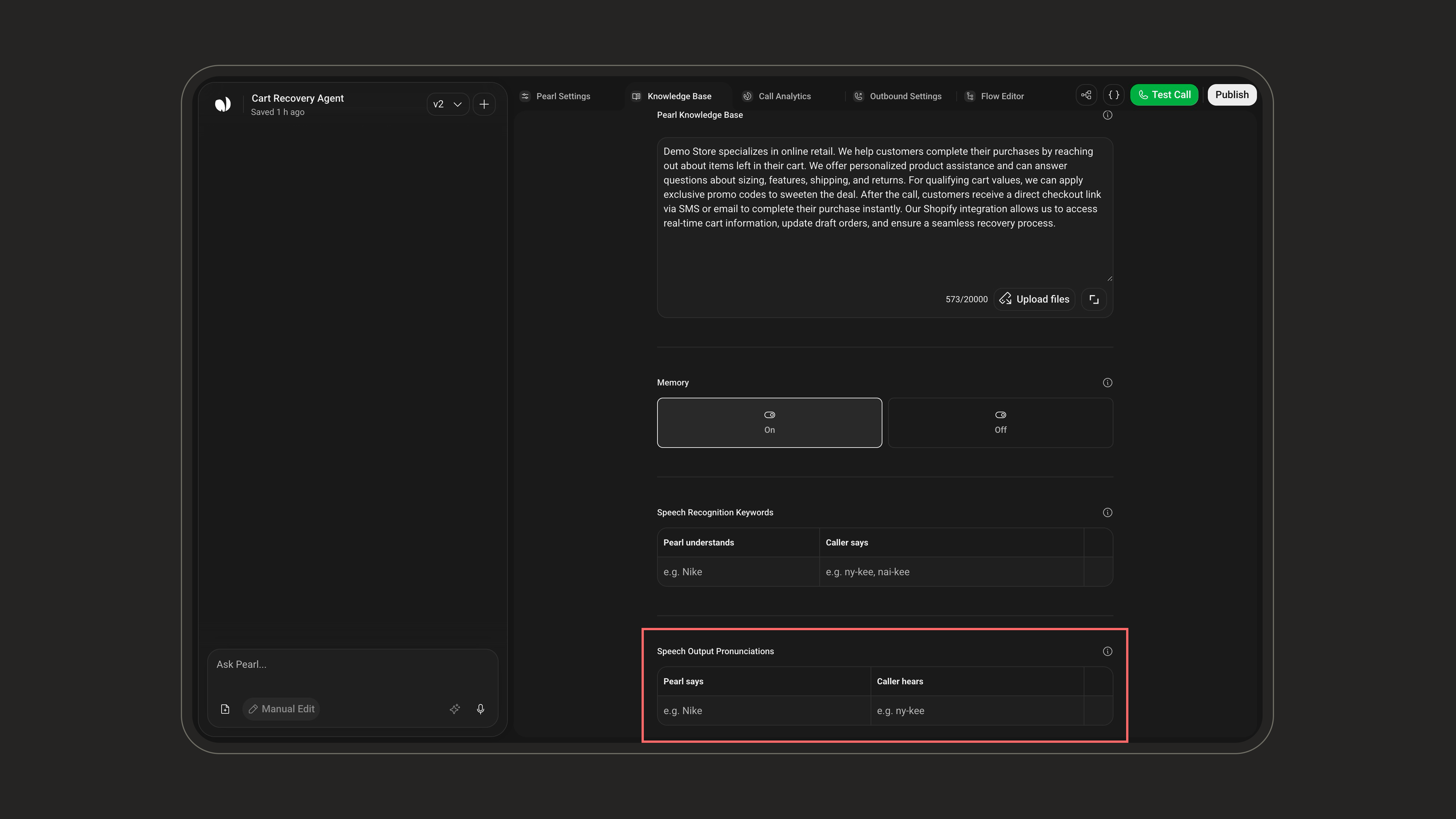
To add one, fill the empty row at the bottom: type the text in Pearl says, then a plain phonetic respelling in Caller hears (readable syllables separated by hyphens, e.g.
ny-kee). Use the trash icon on a row to delete it.
Write Caller hears the way it should be spoken, not spelled, e.g.
2024 → twenty twenty-four, or NLPearl → N L Pearl. Keep it simple and phonetic.Limits: up to 25 entries, and each field is capped at 50 characters.
Speech Output Pronunciations vs. Speech Recognition Keywords — don’t mix them up:
- Speech Output Pronunciations control how Pearl speaks (text-to-speech / output). Fields: Pearl says → Caller hears.
- Speech Recognition Keywords help Pearl understand what the caller says (speech-to-text / input). Fields: a keyword plus one or more pronunciations it might be heard as.