

Setting Up Inbound Activities
Once you have created a Pearl, you can enable it to handle inbound conversations. Inbound settings are configured inside your Pearl, under Inbound Settings, so your Pearl replies to incoming messages following the conversational flow you defined.What are inbound activities?Inbound activities are used when the end user starts the conversation. Pearl replies using the flow, knowledge, and actions defined in your Pearl.
Connect a Channel
Unlike a voice activity, an inbound text activity isn’t tied to a phone number, it’s connected to a messaging channel. Once your Pearl is published, open its overview page and connect the channel your customers will use. Each channel is dedicated to your activity and can receive conversations from anywhere, at any time. NLPearl supports built-in channels such as WhatsApp, Telegram, SMS, and Glassix, as well as a Generic channel for custom messaging systems. Follow the dedicated guides to set one up:Connect your WhatsApp Business account through Meta - keep your number in the app or dedicate it to Pearl.
SMS
Connect your Pearl to SMS through Twilio to text with your customers.
Telegram
Connect your Pearl to Telegram by linking a bot created with BotFather.
Generic
Connect a web chat, mobile app, CRM inbox, or custom platform through asynchronous webhooks.
Inbound Settings
Configure how your Pearl handles incoming conversations from the Inbound Settings tab of your Pearl, in the PearlVibe flow editor.Message Limit
The maximum number of messages Pearl sends before automatically handing the conversation off to a human. You can set between 5 and 1000 messages (default 100).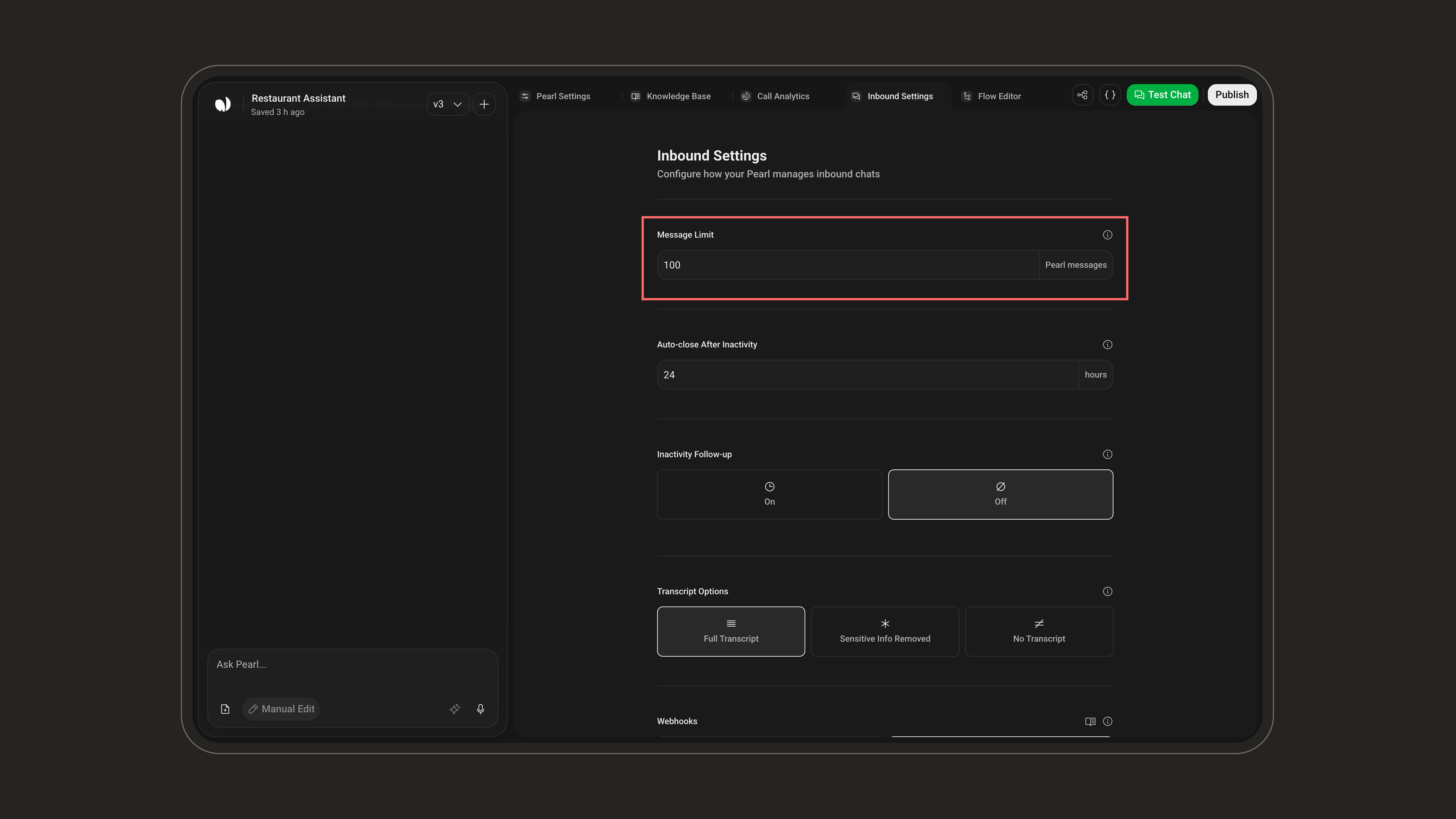
Auto-close After Inactivity
How long a conversation can stay inactive before Pearl closes the chat and triggers the post-chat summary. You can set between 1 and 72 hours (default 24 hours).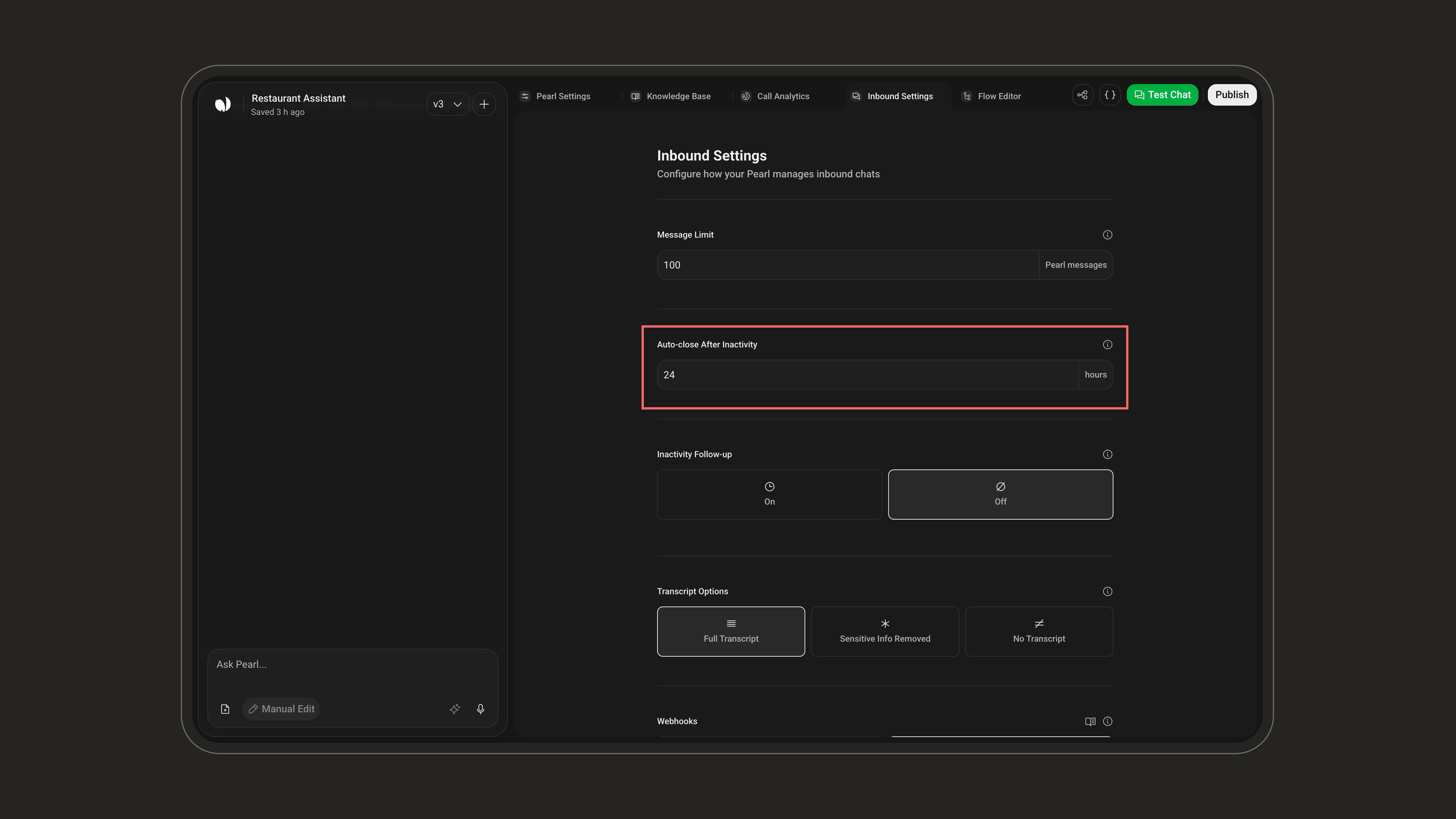
Response Delay
How long Pearl waits before replying. When a customer sends several messages in a row, Pearl answers them together instead of replying to each one. Choose from ASAP up to 5 minutes, in 30-second steps (default ASAP, which means Pearl replies as soon as it is ready).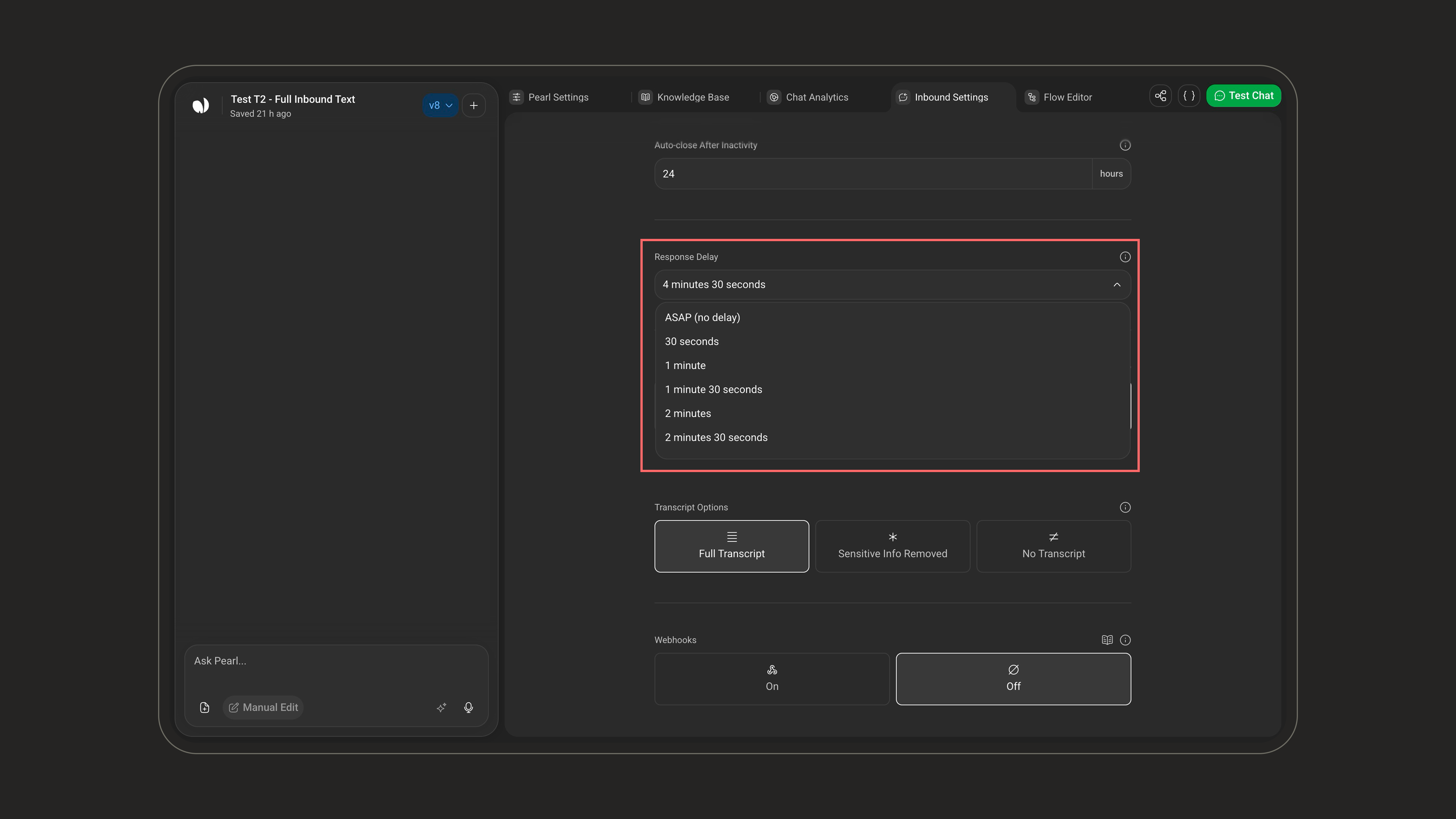
Inbound and outbound each have their own response delay. Setting one does not change the other.
Inactivity Follow-up
When enabled (on/off), Pearl sends follow-up messages when the end user stops replying after Pearl’s last message, to re-engage the conversation.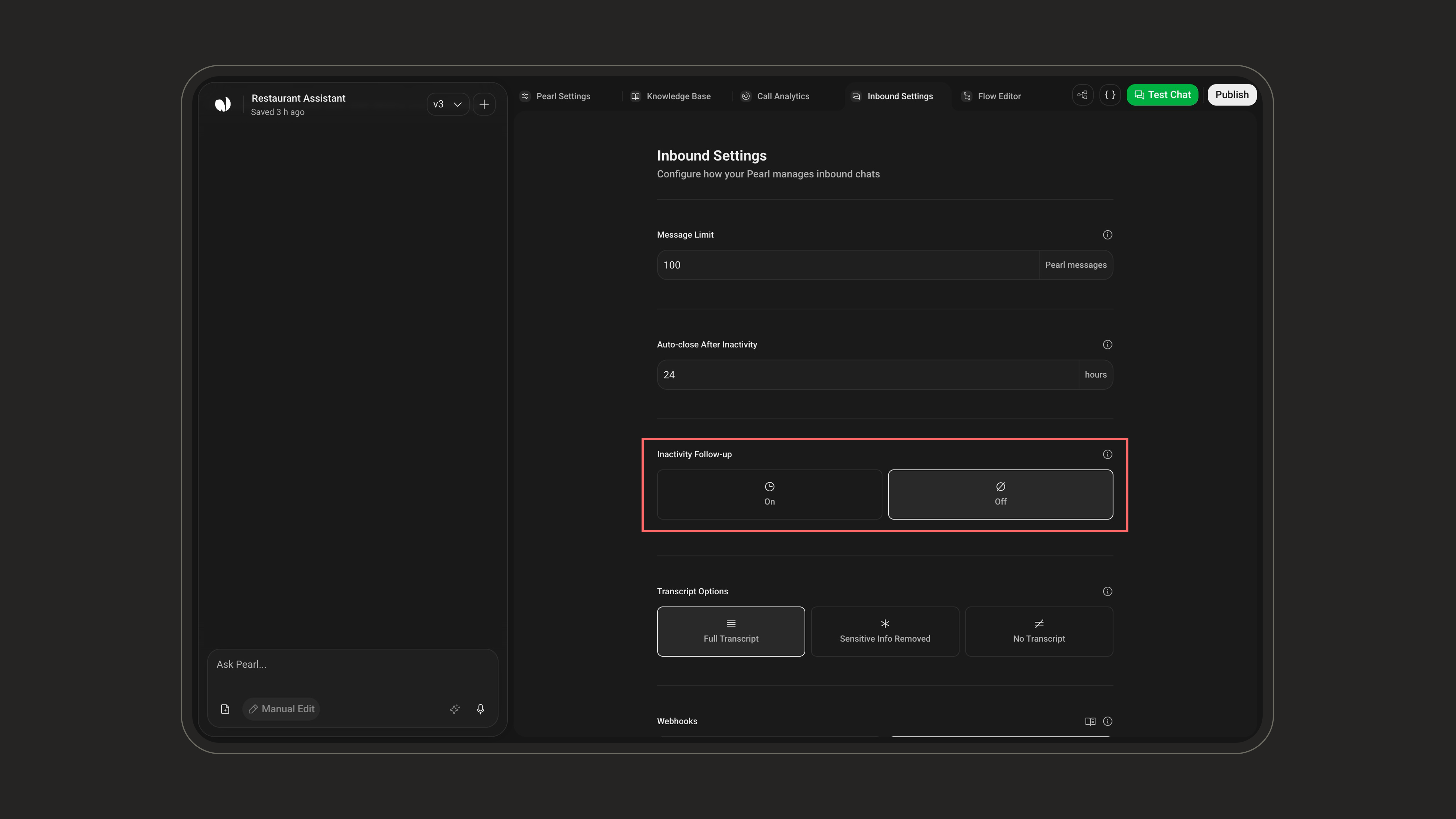
- Up to 3 follow-ups: each one is a delay plus an optional message.
- Minimum delay: at least 5 minutes between follow-ups for inbound.
- Default: a single follow-up sent after 10 minutes.
Follow-up messages can use Pre-Call variables (e.g. the customer’s first name) to keep the re-engagement personal.
Transcript Options
Choose what is kept from the conversation transcript. Transcripts appear in your conversation logs.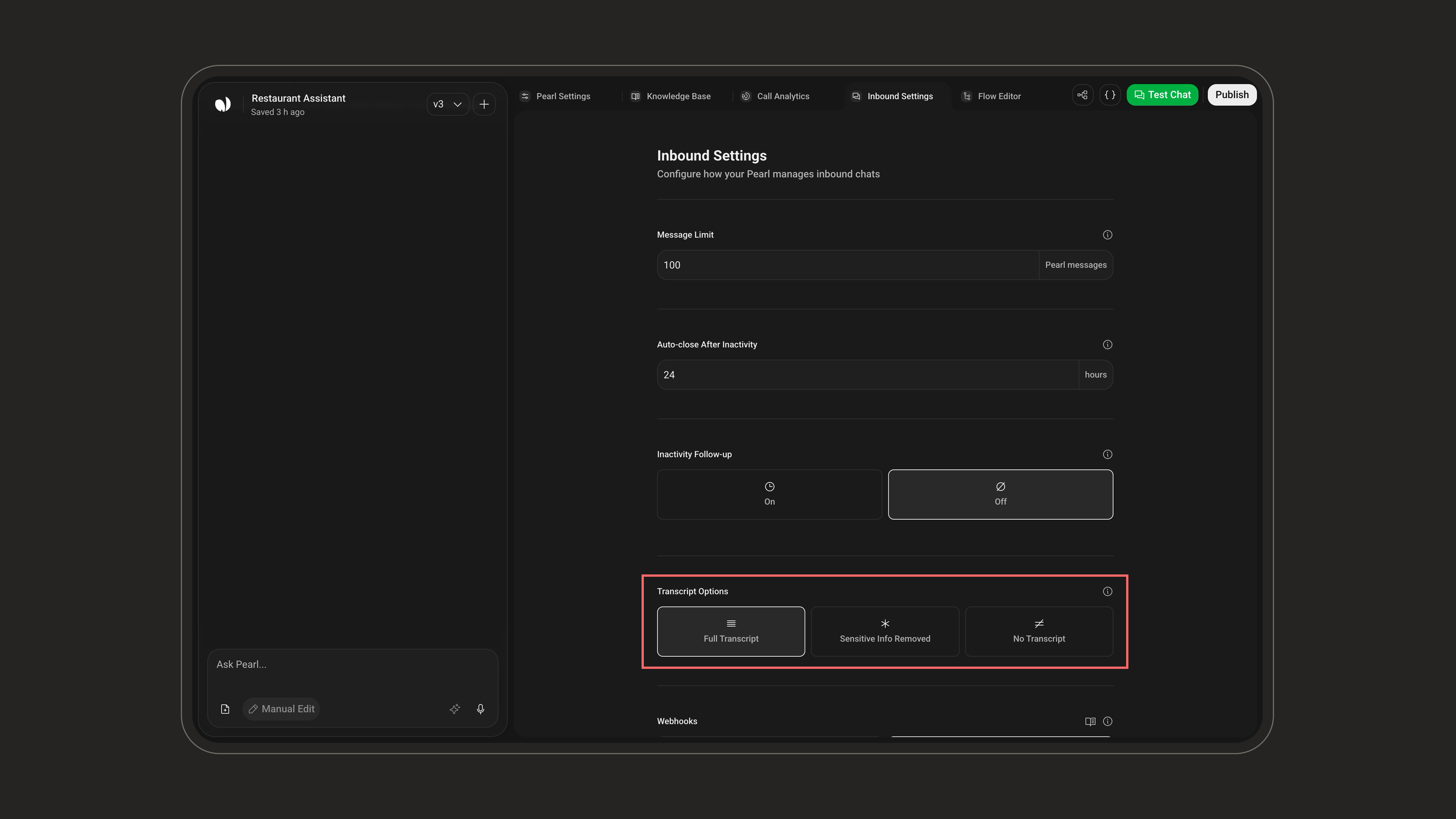
With Sensitive Info Removed, if a customer writes “My credit card number is 1234-5678-9012-3456”, the transcript stores it as “My credit card number is ****-3456”, so you can review interactions safely without exposing sensitive data.
Webhooks
Send conversation lifecycle events to an external endpoint.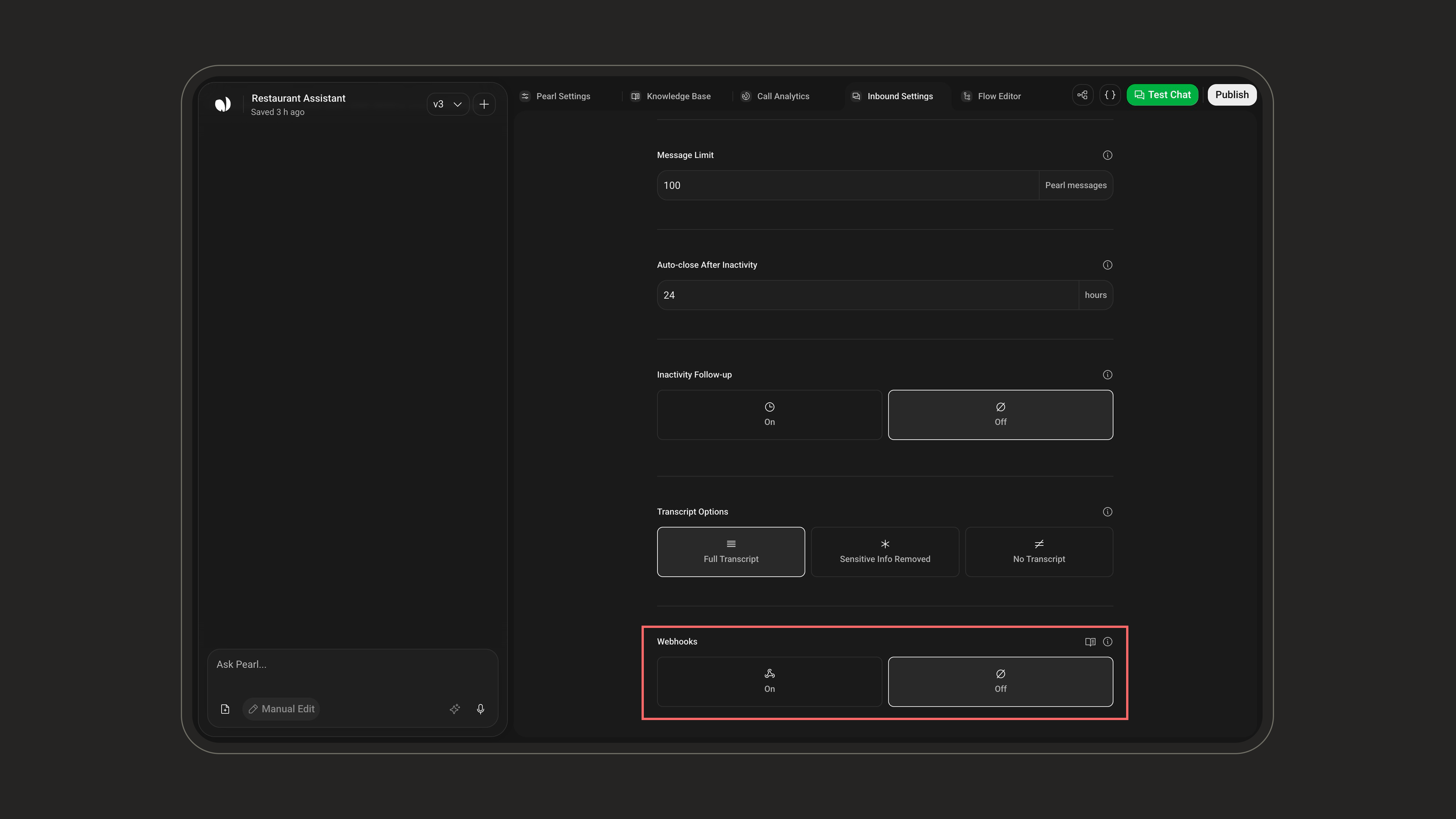
- Version:
V1orV2(default V2). V2 is the current payload format; keep V1 only if you have an older integration built against it. - Chat Webhook URL: fires at key points in the conversation lifecycle (when the chat starts and when it ends), sending details like the outcome and any data collected during the conversation.
- Credentials: optional authentication token attached to the requests so your endpoint can verify they come from NLPearl.
If your endpoint is behind a firewall, allow the NLPearl IP addresses listed in IP Whitelisting.
Webhooks
Learn how to configure webhooks, authenticate requests, and handle the events NLPearl sends.
Project-Level Settings
A few settings live at the Project level rather than in the Inbound Settings screen. Open them from the settings popover on your Pearl.Agents
Sets how many simultaneous agents handle this Pearl’s incoming conversations, i.e. how many chats can be handled at the same time, capped by your account’s agent quota. A higher number lets your Pearl take more concurrent conversations.Agents
Learn how to manage the agents assigned to your inbound and outbound activities.
Retention
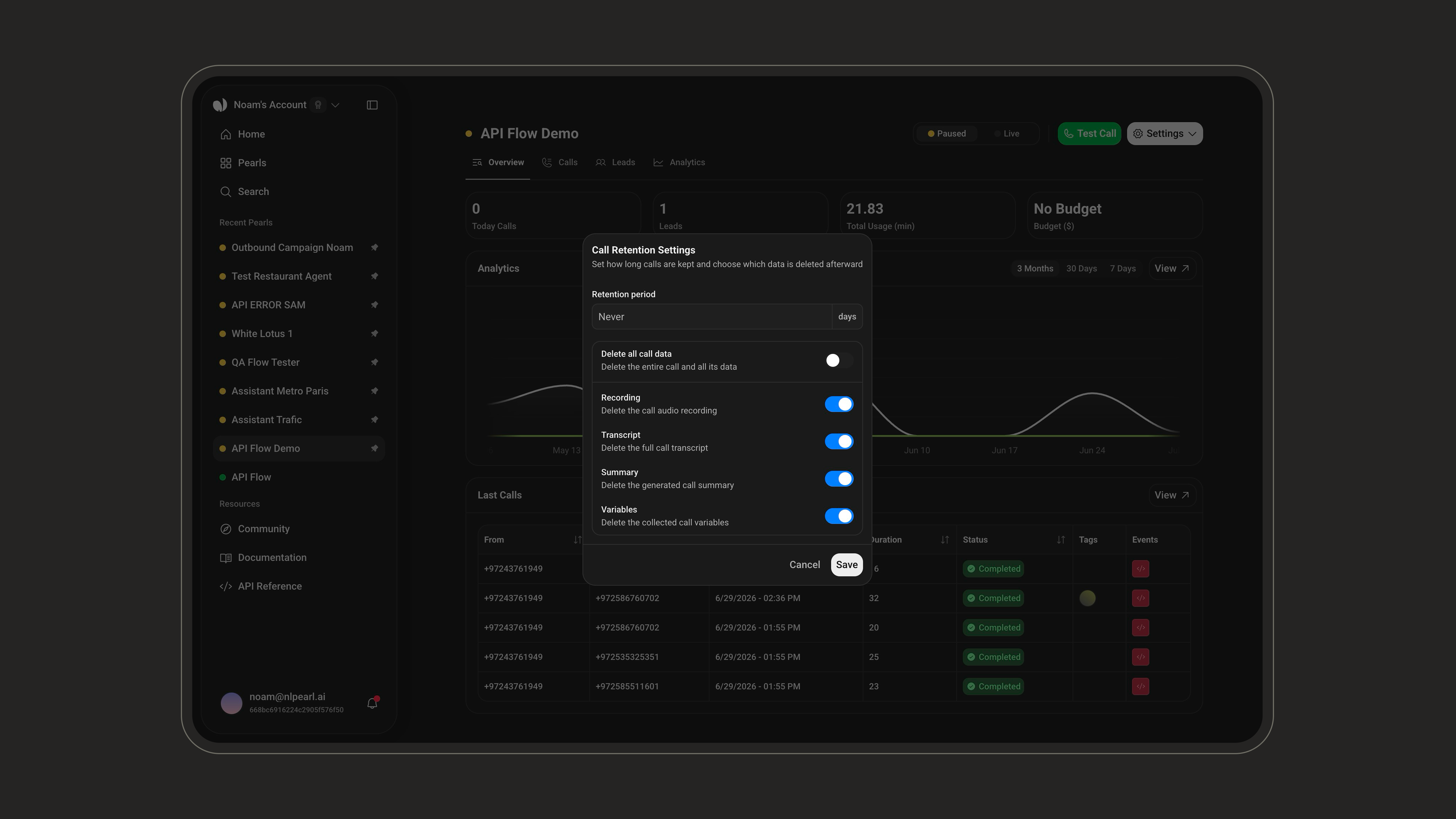
Applies to all conversations. Set how long conversations are kept (a number of days, or leave empty to keep them indefinitely), then choose what is removed when they expire: delete all conversation data, or granularly the Transcript, Summary, or collected Variables.