

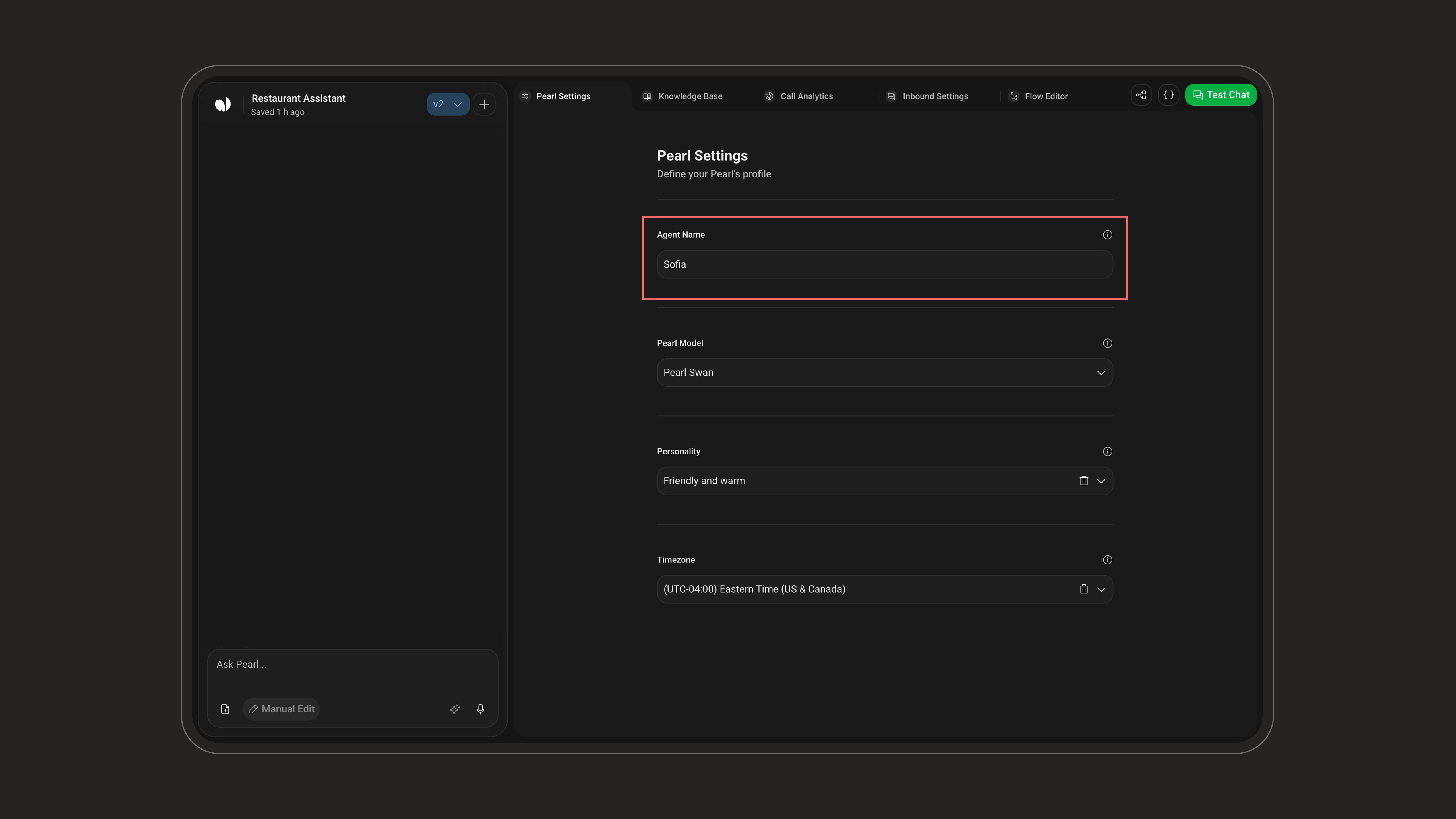
Agent Name
To define your agent’s identity:- Agent Name – Set your Pearl’s name (e.g., Joe, Victoria). This is the name it will use when chatting with customers. Max 25 characters, required.
Pearl Model
The Pearl Model defines the intelligence, speed, and cost profile of your agent. Chat agents run on a single model, Pearl Swan.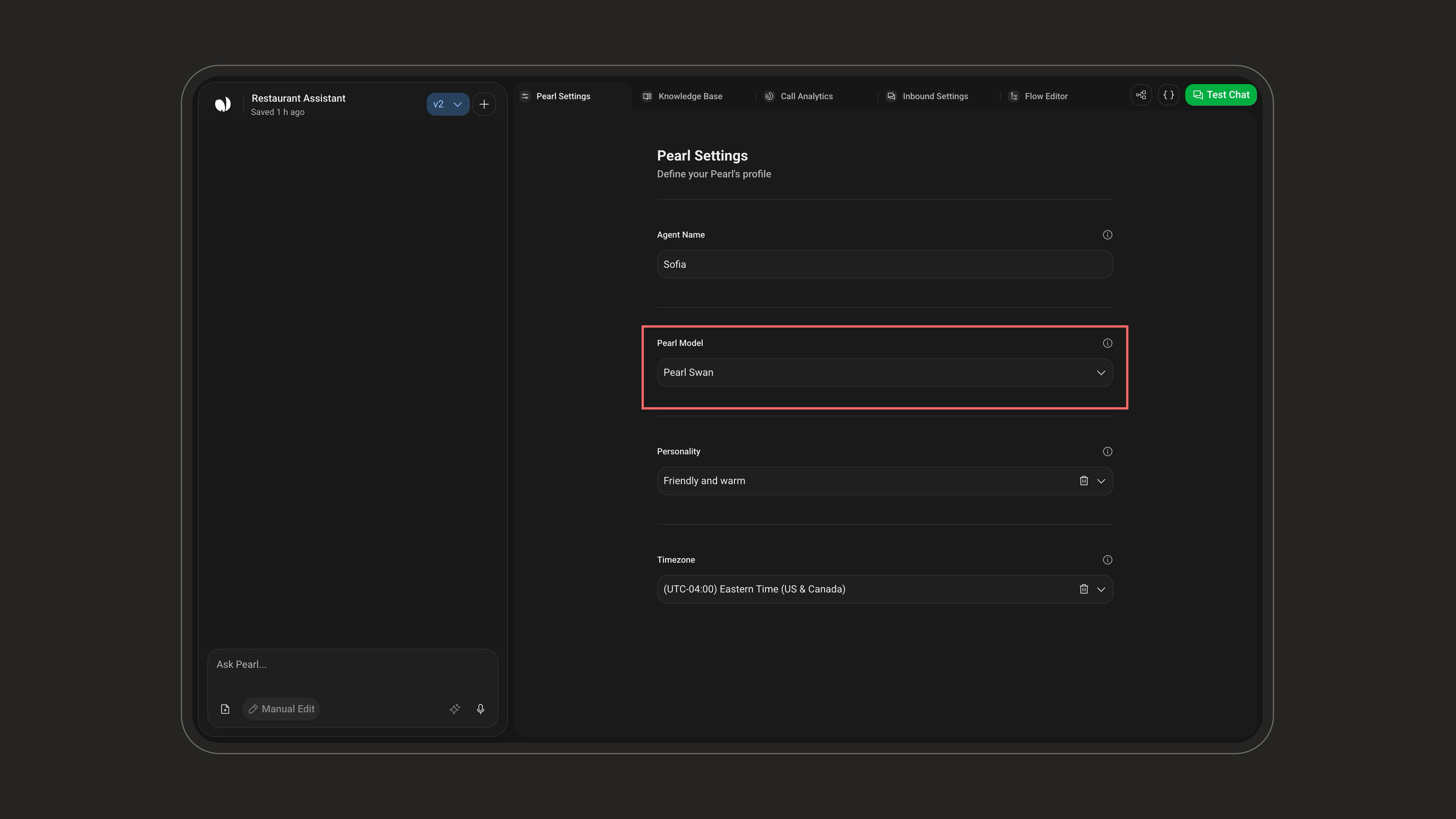
High Reasoning · Higher Latency · Standard Rate
Since Pearl Swan is the only model available for chat agents, the selector is fixed on it.
Personality
Your AI agent can take on a wide range of personalities, from natural and professional to wild, fictional, or downright iconic.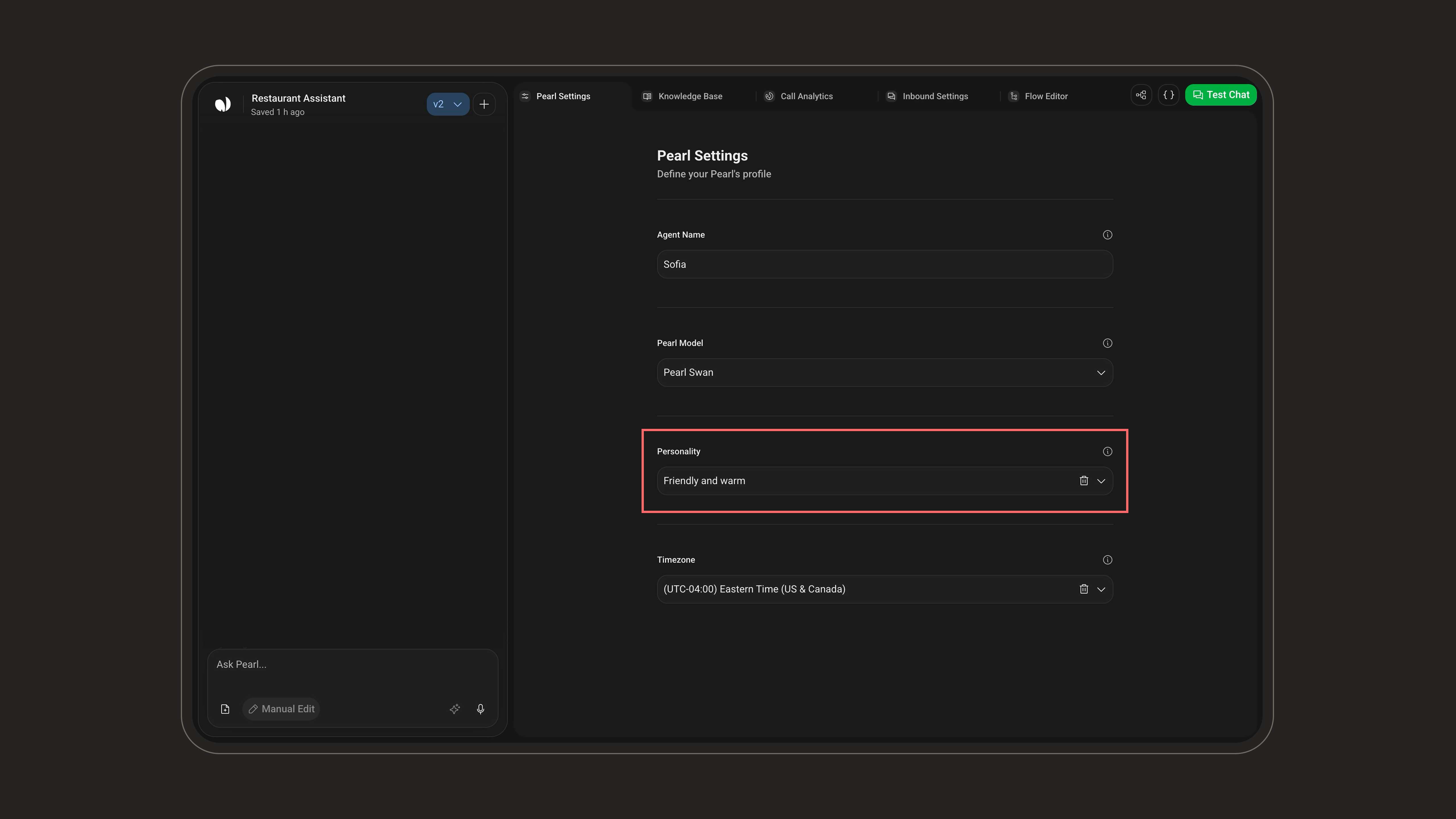
Choose wisely. Your agent’s personality will shape how it behaves in every interaction. Personality is optional, only Agent Name and Timezone are required.
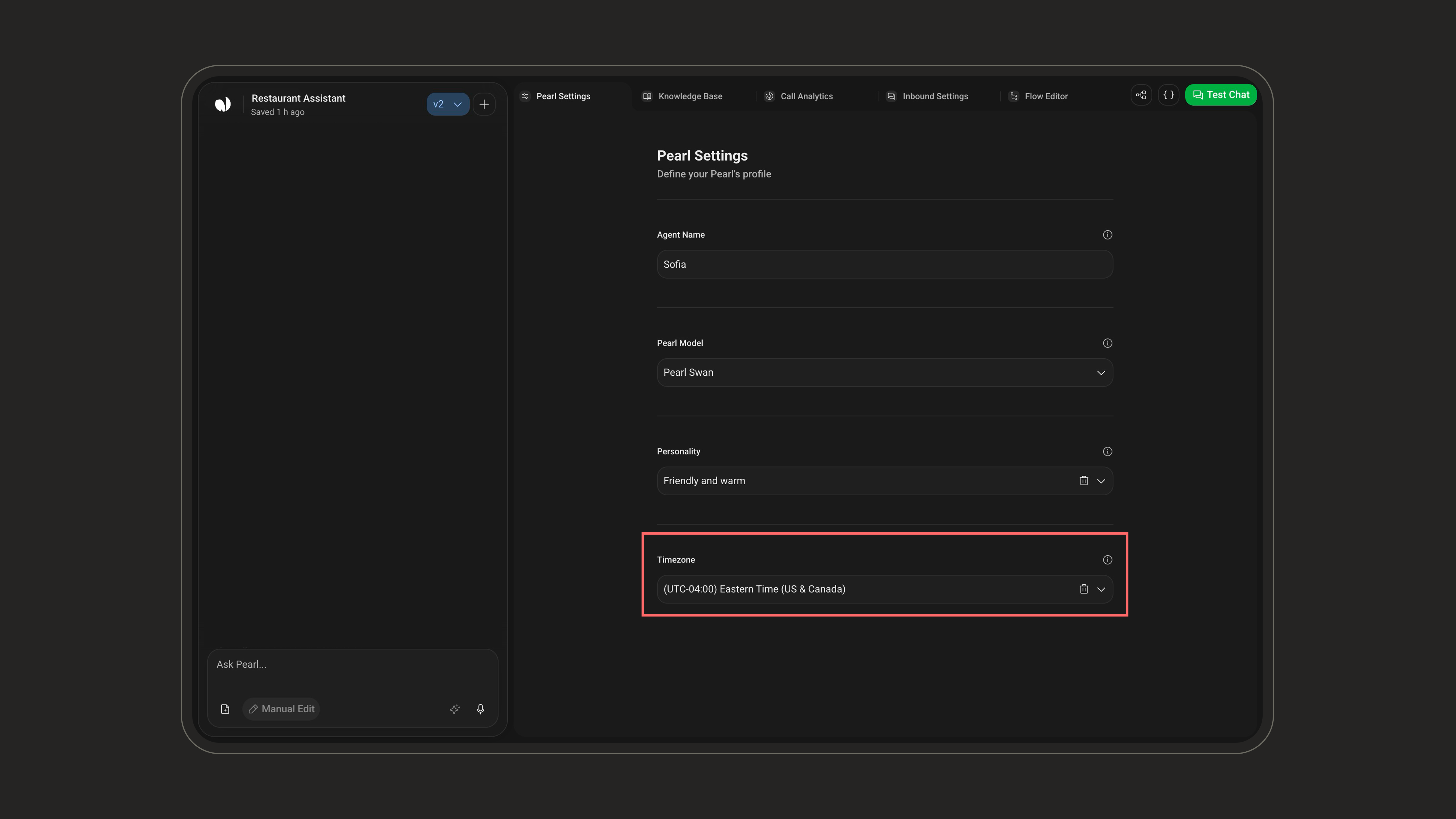
Timezone
Define the timezone of the agent. This influences time-related actions, such as booking meetings.