> ## Documentation Index
> Fetch the complete documentation index at: https://developers.nlpearl.ai/llms.txt
> Use this file to discover all available pages before exploring further.
# Pearl Text
> Build AI text agents that message your customers across SMS, WhatsApp, email, and chat - on inbound and outbound conversations.
***
## What is Pearl Text?
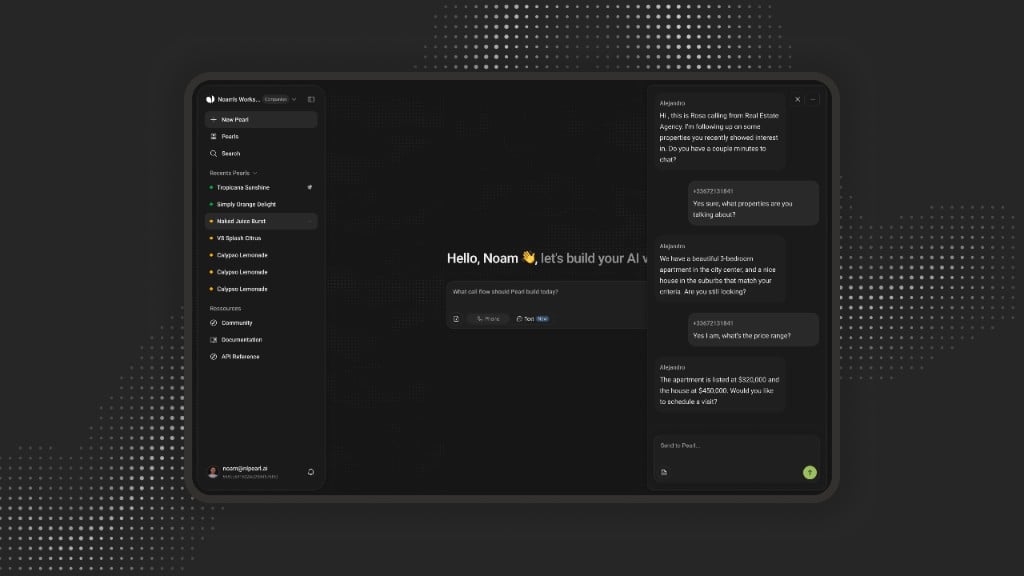
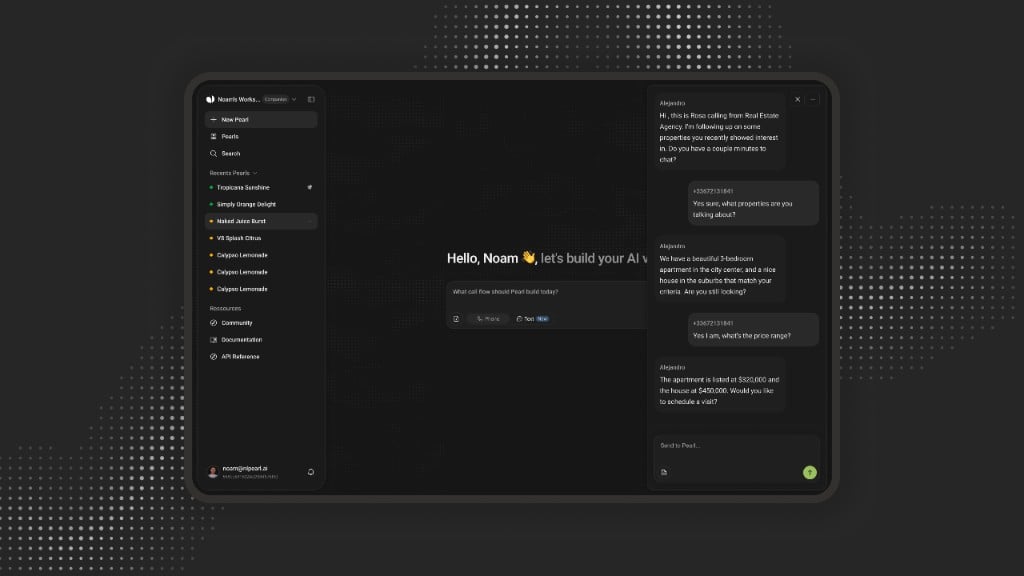
Pearl Text lets you create AI text agents that handle written conversations with your customers across SMS, WhatsApp, email, and chat. Deploy them on inbound channels to respond instantly, or launch outbound messaging to reach customers proactively - with the same reasoning, actions, and post-conversation data that power Pearl Voice.
Pearl Text isn't just another chatbot: it understands context, follows your business rules, connects to your tools, triggers real actions, and hands off to a human when needed.
Pearl Text supports written conversations in any language, with no language or voice setup required.
Pearl Text and [Pearl Voice](/pages/pearl_voice) run on the same platform, so you can connect channels end to end - a conversation can start by chat and continue by phone, or a call can trigger a text follow-up.
***
## How it works
Use [PearlVibe](/pages/pearl_vibe) - the same builder as Pearl Voice - to define your agent's personality, knowledge base, conversation logic, and connected actions from a single prompt-driven interface.
Deploy your agent on [inbound](/pages/text/inbound) channels to answer messages instantly, or launch [outbound](/pages/text/outbound) campaigns to reach customers across SMS, WhatsApp, email, and chat.
Review [Post-Chat](/pages/text/postchat) summaries, transcripts, and extracted variables for every conversation, then iterate on your agent's behavior.
***
## Use cases
Pearl Text fits a wide range of written conversations, across both inbound channels and outbound campaigns.
| Use case | What Pearl does |
| ---------------------------- | ------------------------------------------------------------------------------- |
| **Customer Support** | Answer questions and resolve issues instantly, across every messaging channel. |
| **Order & Delivery Updates** | Share order status, tracking, and delivery details on demand. |
| **Lead Qualification** | Qualify inbound leads, collect their details, and route them to the right team. |
| **Appointment Booking** | Book, confirm, and reschedule appointments directly in chat. |
| **FAQ & Self-Service** | Handle high-volume, repetitive questions 24/7 without tying up your team. |
| **Escalation to a human** | Hand sensitive or complex conversations off to a live agent when needed. |
| Use case | What Pearl does |
| --------------------------- | ------------------------------------------------------------------ |
| **Re-engagement** | Revive dormant customers and recover abandoned carts over message. |
| **Appointment Reminders** | Send reminders and confirmations to cut no-shows. |
| **Notifications & Updates** | Proactively push order, shipping, or account updates. |
| **Lead Follow-up** | Follow up with leads and nurture them toward conversion. |
| **Surveys & Feedback** | Collect satisfaction scores and feedback at scale. |
| **Payment Reminders** | Send payment reminders with secure links. |
***
## Model
Text agents run on a single model - **Pearl Swan** - so there's no model picker to configure. It's billed per message.
**Pearl Swan** - our standard model for chat agents, built to handle any text-based use case with reliable reasoning and natural responses.
Optional add-ons let your agent understand richer inputs sent in the conversation:
| Add-on | Description |
| --------------- | ------------------------------------------------------------------------------------- |
| **Vision** | Read and understand images customers send, such as screenshots, documents, or photos. |
| **Audio input** | Understand voice notes and audio messages sent in the chat. |
***
## Get Started
Execute real-time actions mid-conversation: send emails, hand off to a human, and call your APIs.
Access structured summaries, transcripts, and extracted variables for every conversation.
Deploy agents on inbound channels to answer messages instantly and route conversations.
Launch outbound messaging campaigns to reach customers proactively at scale.
***
## Next steps
Build and customize your agent's logic, knowledge, and actions from a single prompt.
Collect, store, and reuse data during conversations - from user inputs to CRM lookups.
Integrate NLPearl programmatically via the REST API.
Pair your text agents with AI voice agents for connected, cross-channel conversations.