> ## Documentation Index
> Fetch the complete documentation index at: https://developers.nlpearl.ai/llms.txt
> Use this file to discover all available pages before exploring further.
# Knowledge Base Node
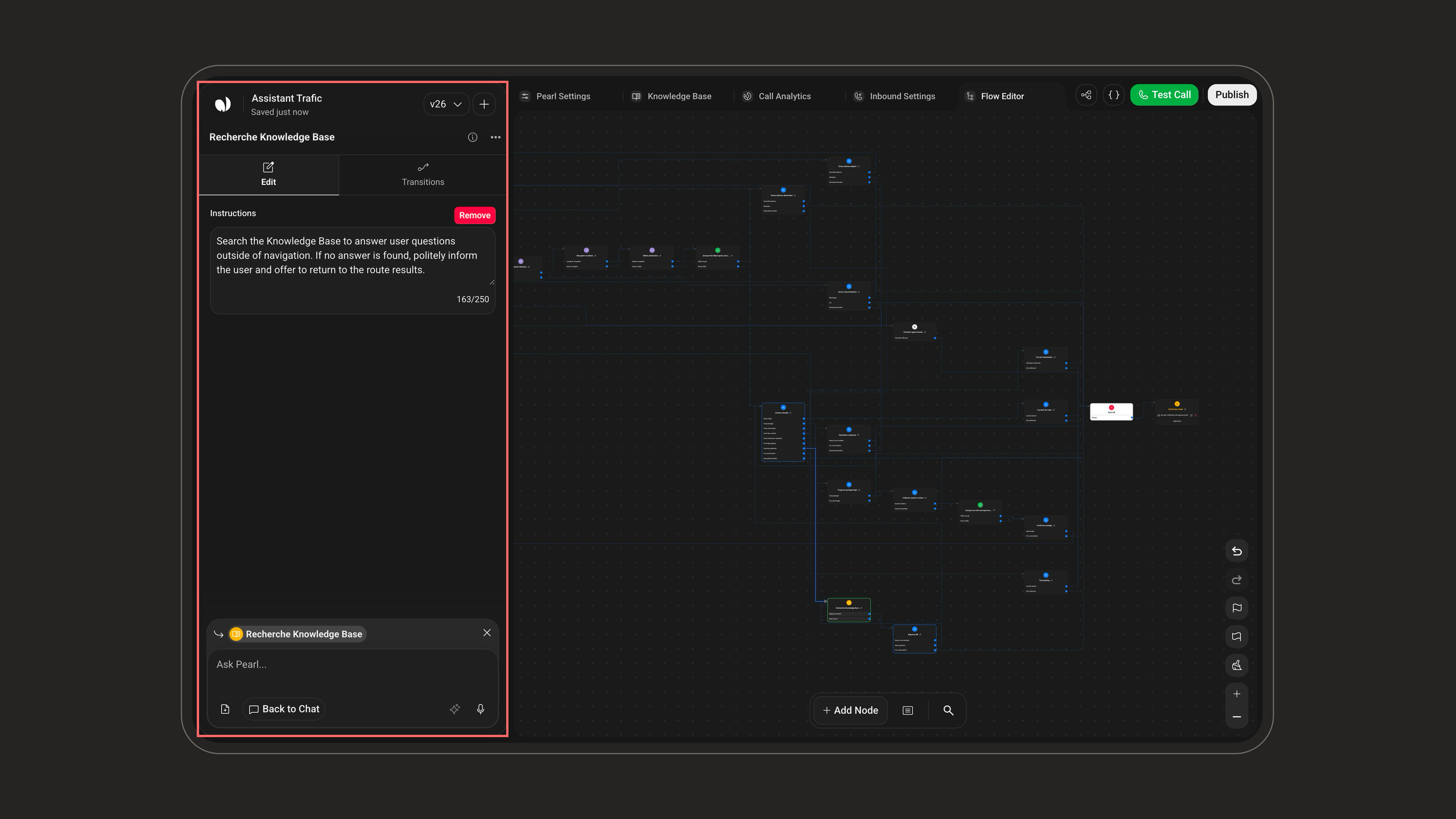
The **Knowledge Base** node lets Pearl look up answers in your uploaded knowledge base during a live conversation, instead of relying on a scripted line.
**What it does**
Pearl searches your knowledge base for the most relevant content and uses it to answer the caller in a natural, contextual way.
**When to use it**
Use this node whenever Pearl should answer from your own documents or FAQ content (product details, pricing, policies, opening hours) rather than a fixed script. It is ideal for open-ended questions where the exact wording can vary.
## How to configure
* **Instructions** (optional): tell Pearl when and how to rely on the knowledge base. Keep it short and specific.
* Example: "Use the knowledge base for any question about pricing, plans, or opening hours."
The knowledge content itself is uploaded and managed in the flow's **Knowledge Base** area, not inside the node. The node only tells Pearl *to* consult it. See [Agent Knowledge Base](/pages/knowledge_base) to manage your content. Supported formats: `.doc`, `.docx`, `.txt`, `.pdf`.
## Example
Imagine you uploaded a document to your knowledge base that says:
> The clinic is open Monday to Friday, 9 AM to 6 PM, and Saturday from 9 AM to 1 PM.
Here is how the node uses it during a call:
1. The caller asks: *"Are you open on Saturdays?"*
2. The **Knowledge Base** node lets Pearl search that document and find the opening hours.
3. Pearl answers: *"Yes, we're open on Saturdays from 9 AM to 1 PM."*
Without this node, Pearl would not have access to your specific hours and could not answer reliably.
## Good to know
* The knowledge content is managed once in Agent Knowledge Base, so every Knowledge Base node in your flow uses the same documents. You don't need to re-upload them for each node.
* If no relevant information is found, Pearl falls back to the rest of your flow instead of inventing an answer.
* Pair this node with a [Dialogue](/pages/dialogue) node to ask a follow-up question once the answer is delivered.